
Tag Archives: CNC machining

Windows 11 for CNC Workstations: Migration Checklist

A Windows 11 migration can affect CAM software, post-processors, drivers, machine settings and production schedules. Use this practical checklist to test compatibility, protect manufacturing data and move CNC workstations in controlled stages.

From Scan to Toolpath: A CNC Reverse-Engineering Workflow
A reliable reverse engineering CNC workflow does more than convert a scan into a surface model. It connects measurement, geometry repair, machining strategy, verification and revision control so that an inherited or physical part can become repeatable CNC output.

Inventor vs PowerShape for Mould Design
Inventor and PowerShape suit different mould and die workflows. This comparison focuses on parametric mechanical design, complex geometry, manufacturing handover and the situations where a shop may use both.

PowerShape for Mould Design: Prepare Better Tooling Geometry
Mould and die work often starts with incomplete, imported or difficult geometry rather than a clean part model. This guide explains where PowerShape for mould design fits into geometry preparation, surface work and CAM-ready inspection.

PowerShape vs PowerMill: Which Comes First?
PowerShape and PowerMill are not interchangeable alternatives. PowerShape belongs at the design and geometry-preparation stage, while PowerMill is used to program CNC machining operations.

Best CAM Software for CNC Job Shops: A Practical Guide
The best CAM software for CNC machining depends on the parts you make, the machines you run and the experience of your programmers. This practical guide compares PowerMill and Autodesk’s Product Design & Manufacturing Collection by real job-shop workflows.
PowerMill for 5-Axis CNC Machining
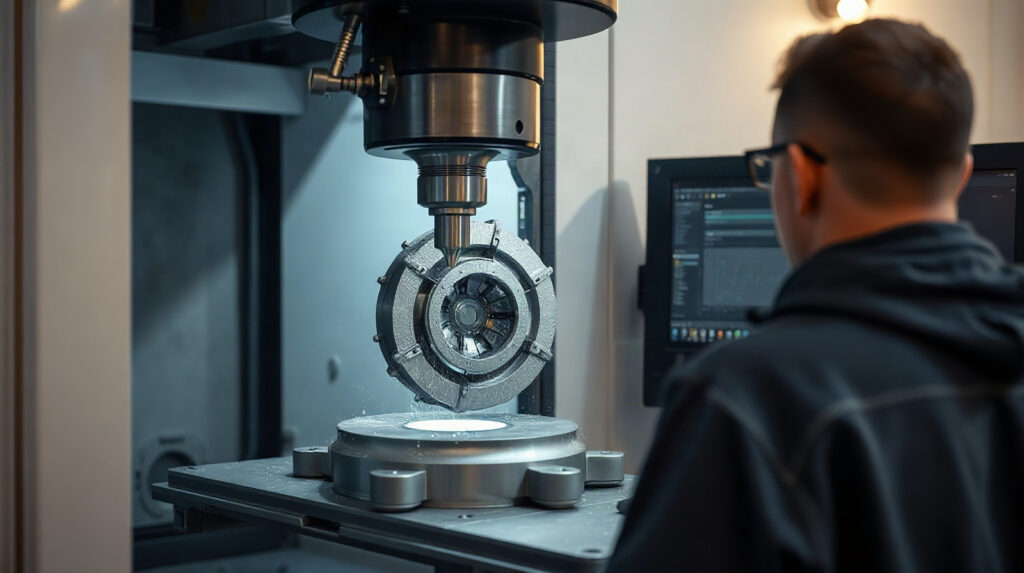
PowerMill is CAM software for manufacturers programming demanding 3-axis and multi-axis CNC work. This guide explains where it fits in 5-axis machining, toolmaking, mould making and complex-surface production.