
Säkerhet
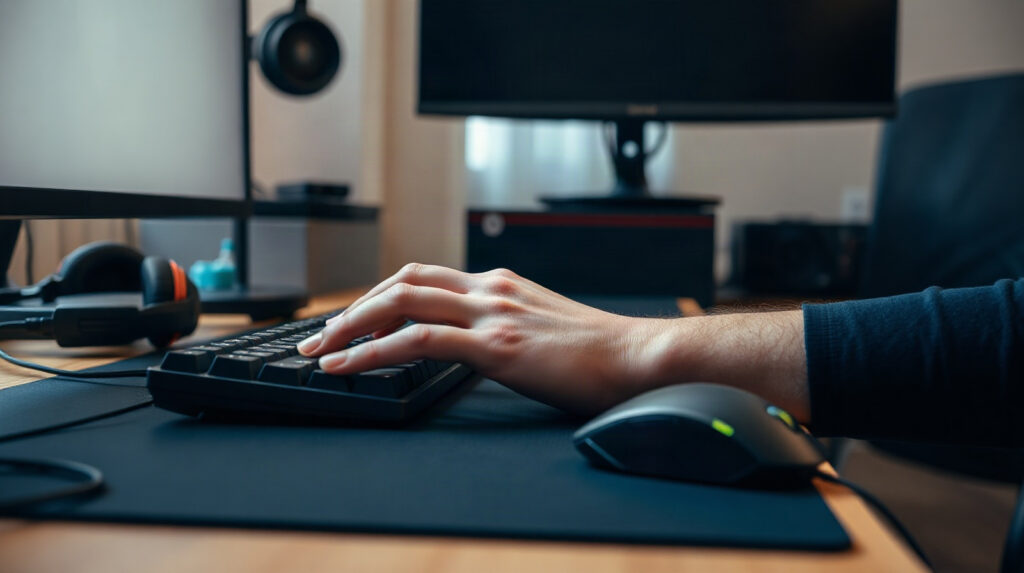
Webroot Setup for Gaming PC: Windows 11 Guide

Set up Webroot on a Windows 11 gaming PC without treating security as an excuse for unsafe exclusions. This guide covers installation, notifications, game launch problems and routine maintenance.
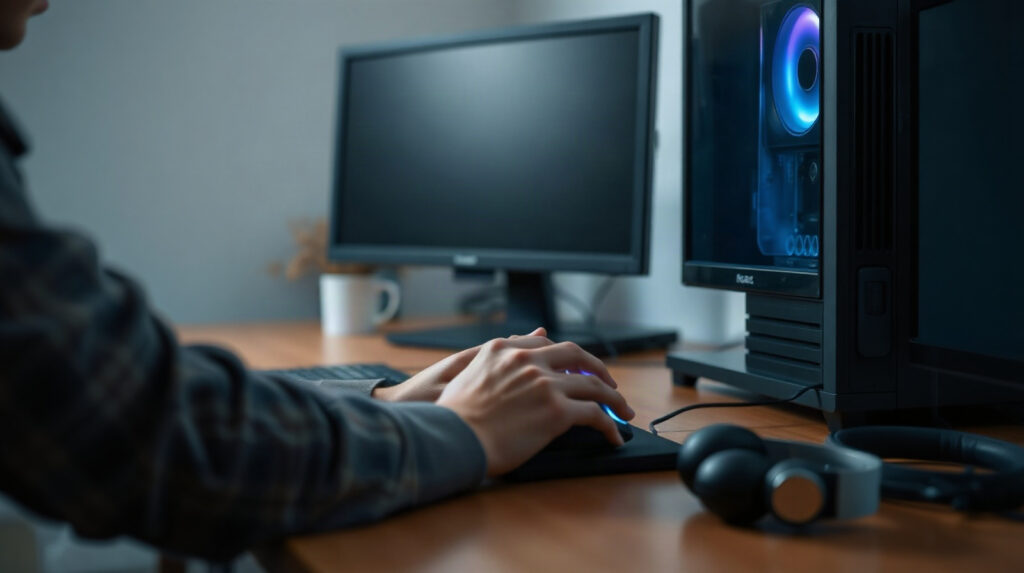
Best Lightweight Antivirus for a Gaming PC
The best antivirus for a gaming PC should protect accounts, downloads and personal files without creating unnecessary interruptions during play. This comparison examines Webroot, Bitdefender and Norton using practical priorities for Windows 11 gamers.

Secure a One-Person Office: Antivirus and File Safety
A one-person office still handles valuable invoices, contracts, personal data and client files. Learn how antivirus, safer document habits, account security and independent backups work together on Windows or Mac.

Which Antivirus Plan Should I Choose for My Home?
The right antivirus plan depends less on the number of people in your home than on the number of devices that need coverage. This guide explains how to count them, compare licence sizes and avoid paying for protection you will not use.

How to Change Antivirus Software Without a Protection Gap
Changing antivirus software across a household does not need to create an unprotected interval. Follow a planned sequence to choose coverage, install the replacement, remove the old product and verify every device.
Bitdefender Family Pack vs Norton 360 Deluxe for Families
Bitdefender Family Pack and Norton 360 Deluxe both cover the main platforms used in European households, but their device limits are very different. This comparison explains which licence fits a small family, a larger household and a home with many personal devices.

Antivirus with Parental Controls: A Family Checklist
An antivirus suite is not automatically a complete parental-control system. Learn which features to verify, how to cover family devices, and how to choose a licence that matches your household.
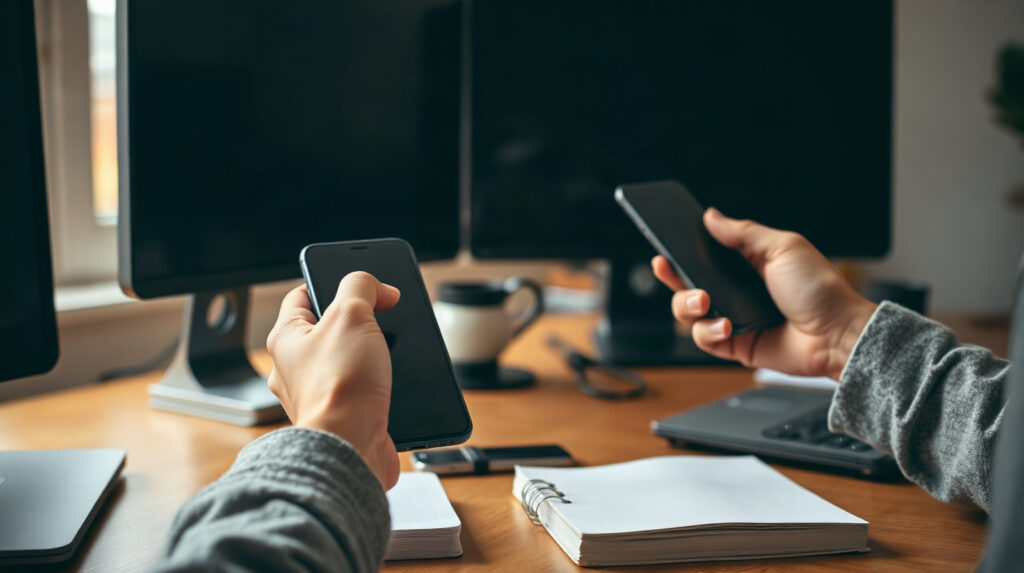
How to Stay Safe Online Banking and Shopping at Home
Learn how to stay safe online banking and shopping with practical habits for devices, passwords, payment pages, family accounts and security software. This guide focuses on actions households can use every day.

How to Secure a Student Laptop for CAD and Office Work
CAD models, technical drawings, reports and portfolio files can represent months of student work. This practical guide explains how to secure a Windows laptop used for engineering, architecture and business studies.

Classroom PC Security Checklist for Schools
Shared classroom computers face risks that personal devices do not: many users, removable media, unmanaged downloads and accidental changes. This practical classroom PC security checklist helps schools, universities and training centres combine technical controls with simple daily routines.