
• ΕΠΙΚΟΙΝΩΝΗΣΤΕ ΜΑΖΙ ΜΑΣ
  • Συχνές ερωτήσεις
EL
  • English
  • Deutsch
  • Français
  • Italiano
  • Español
  • Polski
  • Nederlands
  • Português
  • Ελληνικά
  • Čeština
  • Svenska
KEYFORREST
Επιλέξτε κατηγορία
  • Επιλέξτε κατηγορία
  • Adobe Suite
  • Antivirus & Security
  • Autodesk Suite
  • Πακέτα
  • MS CALs
  • MS Developer
  • MS Office
  • MS Server
  • MS Windows
Σύνδεση / Εγγραφή
0 Αγαπημένα
0 Σύγκριση
0 αντικείμενα 0,00 €
Μενού
KEYFORREST
EL
  • English
  • Deutsch
  • Français
  • Italiano
  • Español
  • Polski
  • Nederlands
  • Português
  • Ελληνικά
  • Čeština
  • Svenska
0 αντικείμενα 0,00 €
Περιηγηθείτε στις κατηγορίες
  • Adobe Suite
  • Antivirus & Security
  • Autodesk Suite
  • MS Developer
  • MS Office
  • MS Server
  • MS CALs
  • MS Windows
  • Αρχική
  • Κατάστημα
  • Blog
  • Επικοινωνήστε μαζί μας

Autodesk

HomeBlogArchive by Category "Autodesk" (Page 3)
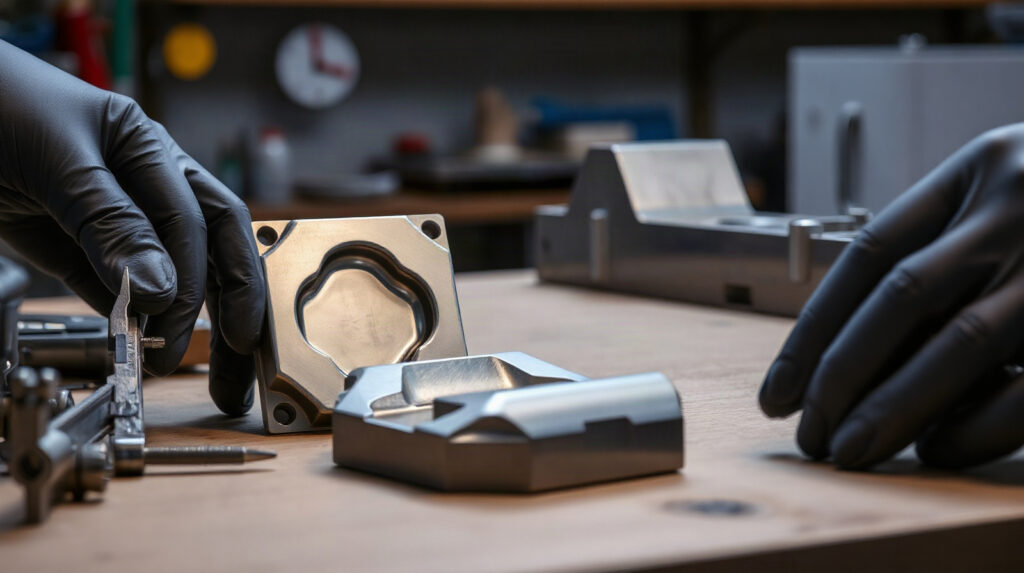
Toolmaker inspecting a complex mould insert beside measurement equipment
20 Νοέ
Autodesk

From Scan to Toolpath: A CNC Reverse-Engineering Workflow

  • 20/11/2026
  • Από author-avatar Marios Chaidousis

A reliable reverse engineering CNC workflow does more than convert a scan into a surface model. It connects measurement, geometry repair, machining strategy, verification and revision control so that an inherited or physical part can become repeatable CNC output.

Συνεχίστε την ανάγνωση

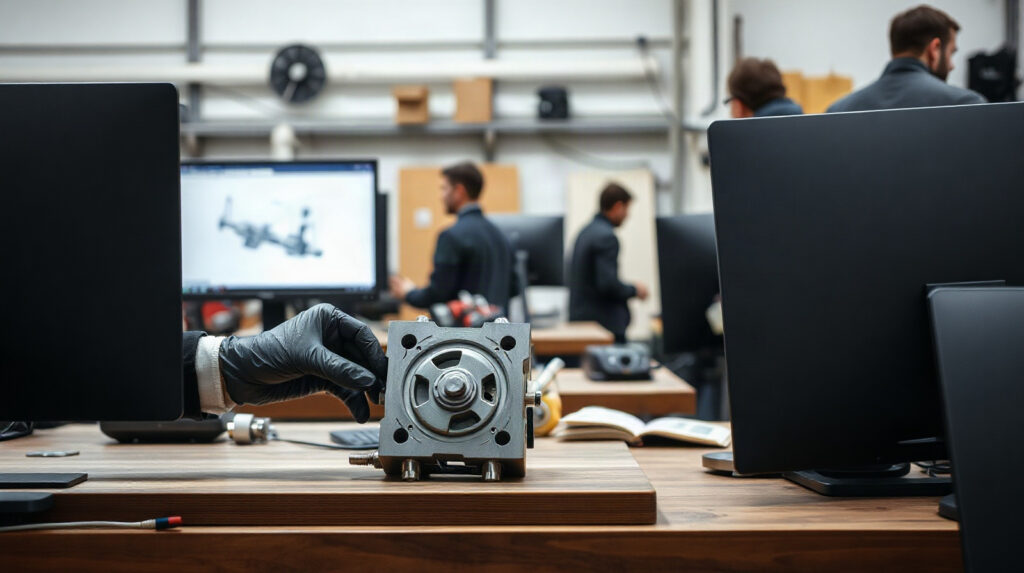
Steel detailer reviewing fabrication drawings beside a metal sample and measuring tools
20 Νοέ
Autodesk

Steel Detailing Workflow: Model to NC File

  • 20/11/2026
  • Από author-avatar Marios Chaidousis

A reliable steel detailing workflow connects engineering information to fabrication documents and machine-ready output. This guide follows the handoff from analysis and BIM coordination through connections, shop drawings and NC files.
Συνεχίστε την ανάγνωση

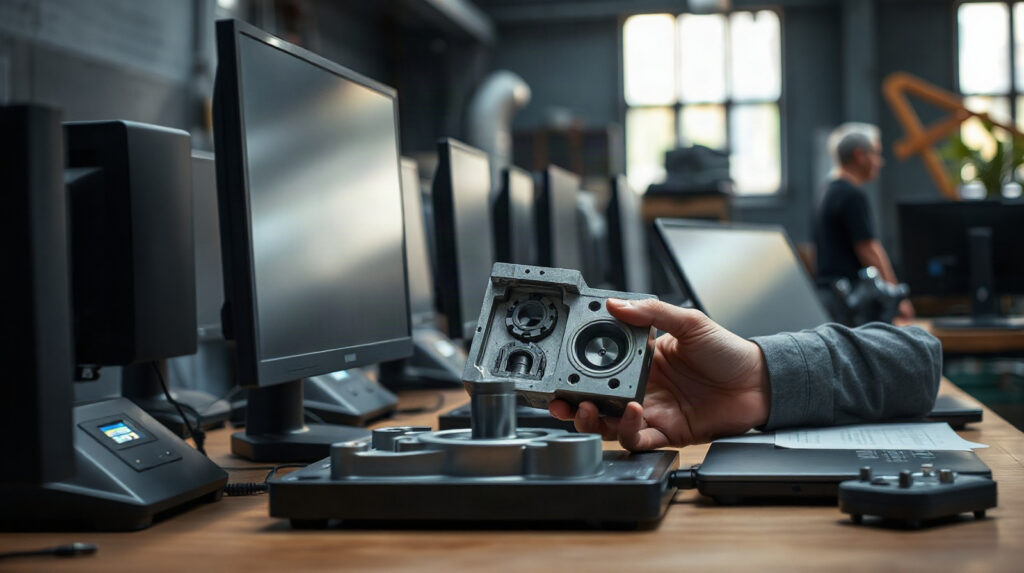
Toolmaker measuring a mould insert beside technical drawings and calipers
20 Νοέ
Autodesk

Inventor vs PowerShape for Mould Design

  • 20/11/2026
  • Από author-avatar Marios Chaidousis

Inventor and PowerShape suit different mould and die workflows. This comparison focuses on parametric mechanical design, complex geometry, manufacturing handover and the situations where a shop may use both.
Συνεχίστε την ανάγνωση

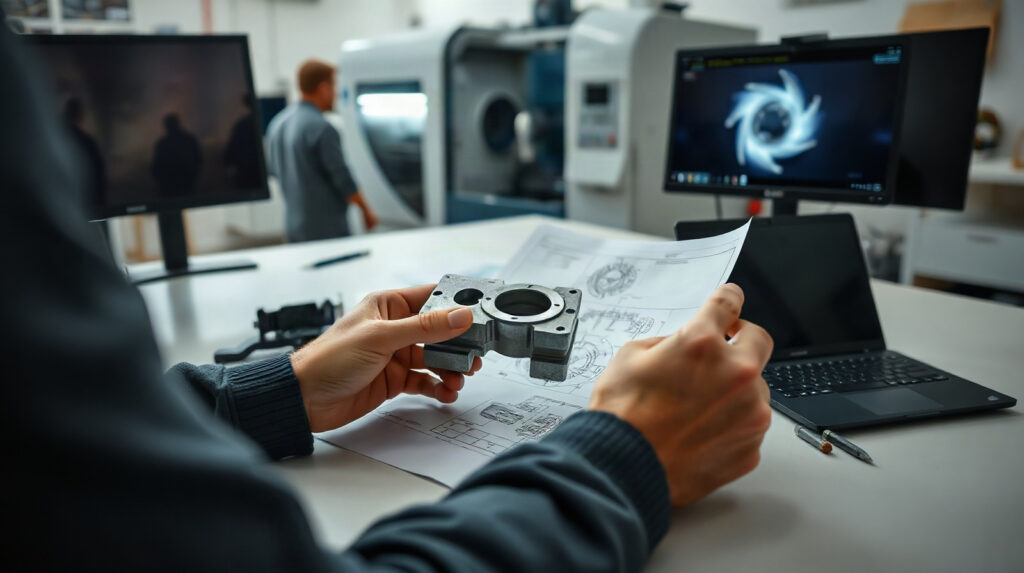
Toolmaker reviewing a complex mould insert beside precision measuring tools
20 Νοέ
Autodesk

PowerShape for Mould Design: Prepare Better Tooling Geometry

  • 20/11/2026
  • Από author-avatar Marios Chaidousis

Mould and die work often starts with incomplete, imported or difficult geometry rather than a clean part model. This guide explains where PowerShape for mould design fits into geometry preparation, surface work and CAM-ready inspection.
Συνεχίστε την ανάγνωση

Toolmaker reviewing a mould component and technical drawings beside CNC machining tools
20 Νοέ
Autodesk

PowerShape vs PowerMill: Which Comes First?

  • 20/11/2026
  • Από author-avatar Marios Chaidousis

PowerShape and PowerMill are not interchangeable alternatives. PowerShape belongs at the design and geometry-preparation stage, while PowerMill is used to program CNC machining operations.

Συνεχίστε την ανάγνωση

Engineer reviewing production drawings beside metal components and a caliper
20 Νοέ
Autodesk

PDM Requirements Checklist for Small Manufacturers

  • 20/11/2026
  • Από author-avatar Marios Chaidousis

A practical PDM checklist for engineering teams that need controlled parts, assemblies, drawings, simulation files, and factory documentation without an oversized enterprise process.

Συνεχίστε την ανάγνωση

CNC programmer reviewing machining work beside milling tools and metal components
20 Νοέ
Autodesk

Best CAM Software for CNC Job Shops: A Practical Guide

  • 20/11/2026
  • Από author-avatar Marios Chaidousis

The best CAM software for CNC machining depends on the parts you make, the machines you run and the experience of your programmers. This practical guide compares PowerMill and Autodesk’s Product Design & Manufacturing Collection by real job-shop workflows.

Συνεχίστε την ανάγνωση

Mechanical engineer reviewing a production drawing beside a metal component
20 Νοέ
Autodesk

Inventor, AutoCAD or Fusion for Production Drawings?

  • 20/11/2026
  • Από author-avatar Marios Chaidousis

The best CAD software for production drawings depends on whether your team builds parametric 3D assemblies, prepares mainly 2D documentation or connects product design with manufacturing. This workflow-based comparison explains where Inventor, AutoCAD and Fusion fit.

Συνεχίστε την ανάγνωση

Mechanical engineer reviewing components and drawings beside a Mac laptop
20 Νοέ
Autodesk

Product Design and Manufacturing Collection on Mac

  • 20/11/2026
  • Από author-avatar Marios Chaidousis

A Mac can fit part of an Autodesk product design workflow, but the Product Design & Manufacturing Collection should not be treated as one Mac application. This guide shows mechanical engineering teams what to verify before choosing a collection-based workflow.

Συνεχίστε την ανάγνωση

Engineer reviewing a mechanical drawing beside a metal part and calipers
20 Νοέ
Autodesk

How to Protect CAD Files in a Manufacturing Company

  • 20/11/2026
  • Από author-avatar Marios Chaidousis

CAD models, assemblies and production drawings are critical business assets. This guide combines PDM discipline, access control, server protection and recovery planning for manufacturing teams.

Συνεχίστε την ανάγνωση

  • ‹
  • 1
  • 2
  • 3
  • 4
  • 5
  • ›
  • »
Διαδικασία παράδοσης μέσω email με μηνύματα που φτάνουν στους παραλήπτες

ΓΡΗΓΟΡΗ ΠΑΡΑΔΟΣΗ

Η άδειά σας παραδίδεται μέσω email εντός 0–1 εργάσιμων ημερών από την πληρωμή, συχνά μέσα σε λίγα λεπτά.

Επίσημο πιστοποιητικό με διακοσμητικό περίγραμμα

ΤΙΜΟΛΟΓΙΟ ΓΙΑ ΚΑΘΕ ΠΑΡΑΓΓΕΛΙΑ

Κάθε πληρωμένη παραγγελία συνοδεύεται από PDF τιμολόγιο από την ESEO SERVICES LTD, με τα στοιχεία της εταιρείας σας αν τα προσθέσετε.

εικονίδιο διαθεσιμότητας υπηρεσίας 24 ώρες

ΥΠΟΣΤΗΡΙΞΗ ΠΩΛΗΣΕΩΝ

Στείλτε email στο [email protected] ή καλέστε μας. Απαντάμε σε κάθε μήνυμα εντός 1 εργάσιμης ημέρας.

Τεχνικός που επισκευάζει έναν επιτραπέζιο υπολογιστή

ΤΕΧΝΙΚΗ ΥΠΟΣΤΗΡΙΞΗ

Δωρεάν βοήθεια εγκατάστασης. Επικοινωνήστε μαζί μας και ένα μέλος του προσωπικού μας θα σας βοηθήσει να ρυθμίσετε την άδειά σας.

United Kingdom, 2 Frederick Street, London, WC1X 0ND
Τηλ.: +44 731 280 5009
Email: [email protected]

  • WorldWide
    • Ηνωμένο Βασίλειο
  • LEGAL
    • Όροι Χρήσης
    • Πολιτική GDPR & Απορρήτου
    • Πολιτική Cookies
    • Πολιτική Επιστροφών
    • Πολιτική Αποστολής
    • Πολιτική Πληρωμών
  • Λογαριασμός
    • Ο λογαριασμός μου
    • Οι παραγγελίες μου
    • Το καλάθι μου
    • Λίστα επιθυμιών
  • Σχετικά με εμάς
    • Αρχική
    • Επικοινωνήστε μαζί μας
    • Προφίλ Συνεργάτη της Microsoft
    • Συμφωνία Συνεργάτη της Adobe
  • English
  • Deutsch
  • Français
  • Italiano
  • Español
  • Polski
  • Nederlands
  • Português
  • Ελληνικά
  • Čeština
  • Svenska
  • English
  • Deutsch
  • Français
  • Italiano
  • Español
  • Polski
  • Nederlands
  • Português
  • Ελληνικά
  • Čeština
  • Svenska
  • Μενού
  • Κατηγορίες
  • Adobe Suite
  • Antivirus & Security
  • Autodesk Suite
  • MS Developer
  • MS Office
  • MS Server
  • MS CALs
  • MS Windows
  • Αρχική
  • Κατάστημα
  • Blog
  • Επικοινωνήστε μαζί μας
  • Λίστα επιθυμιών
  • Σύγκριση
  • Σύνδεση / Εγγραφή
Καλάθι αγορών
Κλείσιμο
Συνδεθείτε
Κλείσιμο

Ξεχάσατε τον κωδικό πρόσβασής σας;

Δεν έχετε ακόμη λογαριασμό;

Δημιουργήστε λογαριασμό

Cookies σε αυτόν τον ιστότοπο

Χρησιμοποιούμε απαραίτητα cookies για τη λειτουργία του καταστήματος. Με τη συγκατάθεσή σας χρησιμοποιούμε επίσης cookies του Google Analytics για να βλέπουμε πώς χρησιμοποιείται ο ιστότοπος και cookies του Google Ads για να μετράμε τις διαφημίσεις μας και να σας δείχνουμε σχετικές διαφημίσεις. Πολιτική Cookies