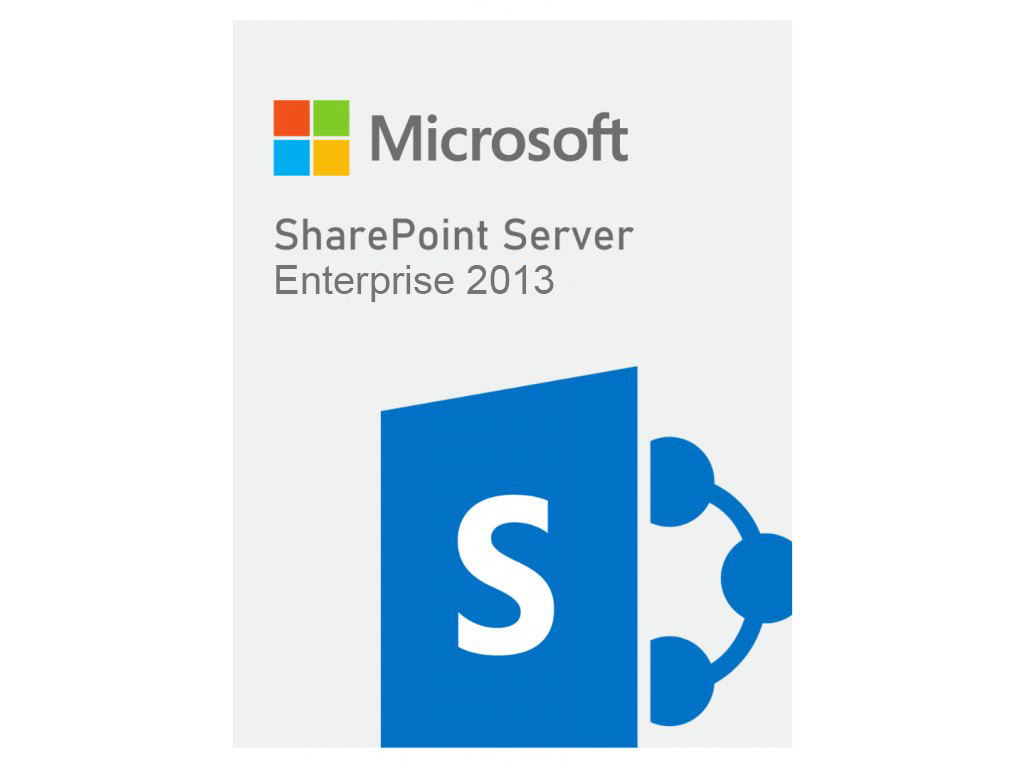
SharePoint Server Enterprise 2013
1.900 €

Click to Verify our Partnership
Platform: Windows
Language: Multilanguage
Cores: Unlimited
CPU: UP to 4
Key: Lifetime
Version: Enterprise
The delivery of the product take places on the same day!
Social features
As with earlier versions of SharePoint, each user has a profile and a personal site (or “My Site”). SharePoint Server 2013 is now been reorganized into three distinct hubs: Newsfeed, OneDrive, and Sites. These hubs are available in a global navigation bar, and thus the social features associated with My Sites are fully integrated into the SharePoint experience. You no longer need to specifically visit your My Site in a web browser to access social features.
Create and view posts and updates in your Newsfeed
You can post to the public newsfeed at any time, post to the newsfeed on team sites you’re following, or see updates about other people’s activities. Note that you create posts or start “conversations” in the new microblog feature described in the next section. Select options in the Newsfeed to sort information as follows:
- “Following” shows you updates related to things you’re currently following: people, documents, sites, and tags.
- “Everyone” shows conversations started by people in your organization, and may include posts created by people you’re currently following.
- “Mentions” shows posts in which you are mentioned.
- “Activities” shows a feed of your current activities, just as it appears on your “About me” page.
- “Likes” shows all items you have “liked.”
The Newsfeed page provides quick access to the lists of people, documents, sites, and tags you’re following. Note the following details about these lists:
- In the list of people you’re following, you can optionally view a list of people following you.
- Click a callout icon for any person to see their current newsfeed and a link to their profile.
- Get updates in your newsfeed when any person you’re following starts following another person, document, site, or tag. You can optionally receive an email notification about these activities.
- Tags correspond to the list of interests you’ve added to your user profile.
| Brand |
Microsoft |
|---|
Only logged in customers who have purchased this product may leave a review.
Software & Product key
We delivery your order(s) to your email within 24 hours after the payment.
*Autodesk student & educational editions can take up to 3 days.
We send the link of the software so you can download it, the key so you can activate it and the certificate so you can use legally the product.
Warranty & Certificate
Along with the certificate of the key that you own, we send you a warranty of the software you just bought just in any case you having any problem.
Reviews
There are no reviews yet.