
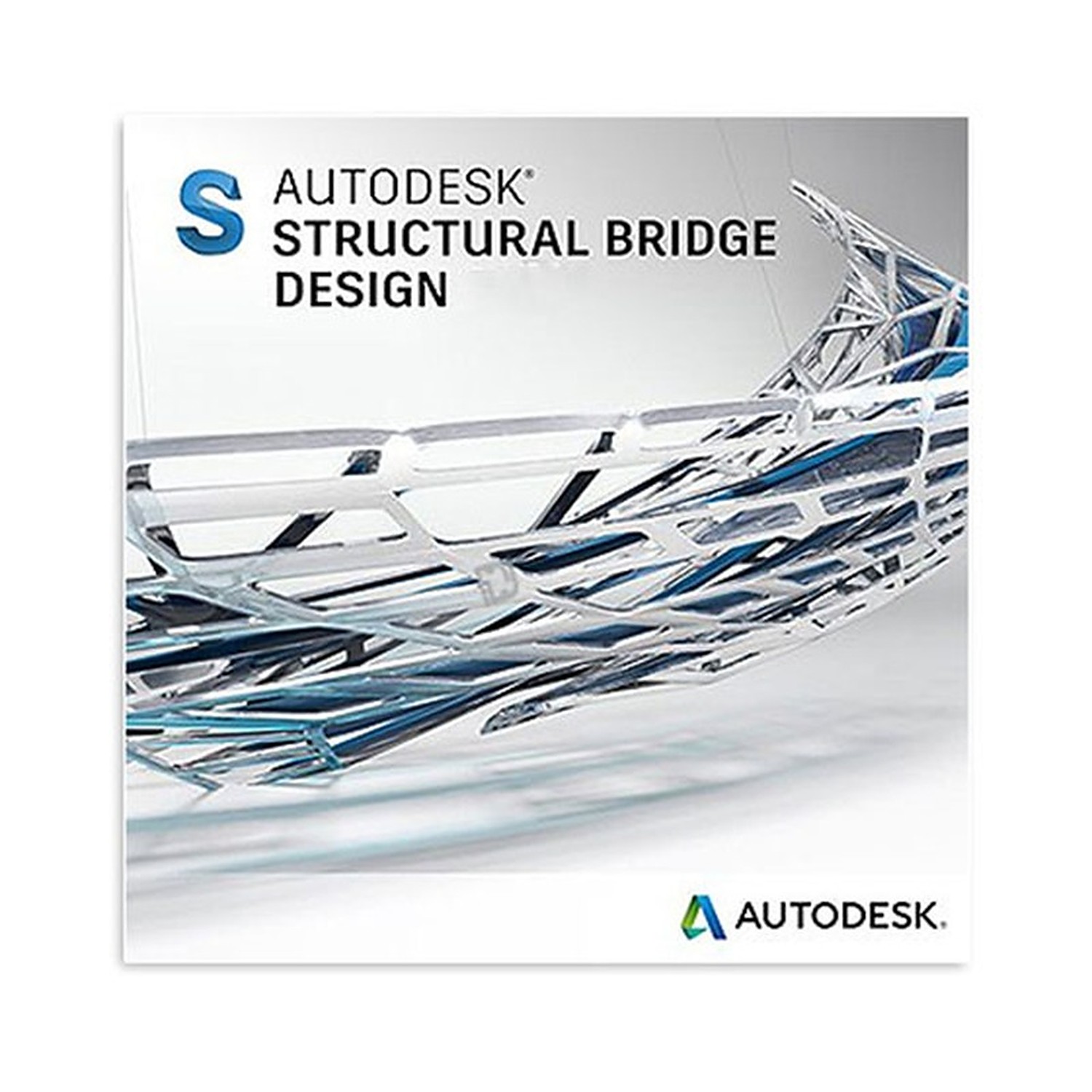

Autodesk Structural Bridge Design
From: 499,00 € / year with a 3-day free trial
Platform: Windows
Language: English
Key: 1 or 3 Years
Devices: 1
The Autodesk license will be assigned to your Autodesk account. If you don’t already have an account, we’ll create one using your name and email address. You’ll then be able to log in to the Autodesk website and download the product.
The delivery of the product take places on the same day!
Reduce bridge-design uncertainty before it reaches the construction stage. Autodesk Structural Bridge Design gives structural engineers a dedicated environment for analysing and designing bridge elements with a coordinated digital workflow. It brings modelling, loading, analysis and design checking into one professional application, helping teams evaluate structural behaviour earlier and produce defensible engineering outputs with greater control. This matters when a bridge project demands consistent assumptions across spans, supports, decks and load cases.
Autodesk Structural Bridge Design is built for bridge-specific structural engineering rather than general-purpose drafting alone. Engineers can develop analytical representations of bridge structures and assess how components respond to defined loading conditions. The result is a more structured route from engineering intent to design verification. Instead of relying on disconnected calculations and manually maintained model data, teams can work from a central bridge-analysis model that supports repeatable review and clearer technical decisions.
- Bridge-focused structural analysis: Model and analyse bridge arrangements in an environment intended for civil structures, helping engineers investigate load paths, reactions, forces and deflections before issuing design information.
- Integrated design workflow: Keep analytical evaluation and structural design activities closely connected, reducing the risk that a revised geometry or loading assumption is missed in a separate calculation file.
- Support for complex bridge behaviour: Evaluate multi-span layouts, structural members, supports and staged project assumptions through a dedicated engineering model, giving design teams more insight than static documentation alone.
- Professional Autodesk ecosystem alignment: Autodesk Structural Bridge Design is positioned within the Autodesk Suite category, supporting organisations that standardise their engineering software environment around Autodesk tools and processes.
The primary value is traceability. Bridge design involves many linked inputs: geometry, material assumptions, member properties, support conditions, applied actions and design criteria. A change to one input can affect the entire structural response. Using a specialised bridge-design application helps engineers review those relationships in a controlled system instead of rebuilding calculations after each revision. That can improve design coordination, support internal checking and make technical review conversations more productive. It also gives project teams a clearer basis for identifying governing conditions before drawings and downstream deliverables progress.
This is professional software, not a physical bridge component. It has no construction material, shipping dimensions, weight or installed physical footprint. Its working dimensions are digital: the bridge geometry, member sizes, span arrangements and structural parameters defined by the engineering team in the model. The supplied product information identifies the brand as Autodesk and the product as Structural Bridge Design. Operating-system requirements, licensing terms, installation method, file interoperability and available regional design-code workflows are not specified in the supplied data; these should be confirmed against the applicable Autodesk documentation and the project’s engineering standards before deployment.
Use Autodesk Structural Bridge Design for conceptual structural assessment, detailed bridge analysis, design development, independent engineering checks and design-change evaluation. It is suited to consulting engineers, transportation infrastructure teams and structural specialists who need bridge-specific analysis capability within an Autodesk-centred software portfolio. The application supports a disciplined process: define the structure, apply project assumptions, evaluate structural response and use the results to guide design decisions. That focus helps teams protect technical quality when bridge geometry and loading become more demanding.
Make bridge design decisions from analysed structural behaviour, not fragmented assumptions. Autodesk Structural Bridge Design provides a specialised foundation for engineers who need to assess bridge structures with greater consistency, maintain clearer links between model inputs and engineering outcomes, and move design work forward with confidence.
| Brand |
Autodesk |
|---|---|
| Version |
2024 ,2025 ,2026 ,2027 |
| Years |
1 Year ,3 Years |
14 reviews for Autodesk Structural Bridge Design
Only logged in customers who have purchased this product may leave a review.
Συχνές Ερωτήσεις
What is Autodesk Structural Bridge Design 2026 used for?
Autodesk Structural Bridge Design 2026 is used to analyse and design bridge elements in a dedicated structural engineering environment. It helps engineers model bridge arrangements, assess loading conditions, and support design verification before construction.
Is Autodesk Structural Bridge Design 2026 suitable for bridge-specific structural analysis?
Yes. It is built for bridge-focused structural engineering, allowing teams to investigate load paths, reactions, forces, and deflections within a civil-structure-oriented workflow.
How does Autodesk Structural Bridge Design 2026 help reduce design uncertainty?
It helps teams evaluate structural behaviour earlier by bringing modelling, loading, analysis, and design checking into one coordinated workflow. This supports more consistent assumptions across spans, supports, decks, and load cases.
Can Autodesk Structural Bridge Design 2026 support a coordinated engineering workflow?
Yes. The software supports a central bridge-analysis model, helping reduce reliance on disconnected calculations and manually maintained model data.
Who is Autodesk Structural Bridge Design 2026 intended for?
It is intended for structural engineers and bridge design teams who need a dedicated environment for analysing bridge elements and producing defensible engineering outputs.
Does Autodesk Structural Bridge Design 2026 include design checking capabilities?
Yes. The product description identifies design checking as part of its integrated workflow, helping engineers connect analytical evaluation with structural design activities.
Why choose Autodesk Structural Bridge Design 2026 instead of relying on separate calculations?
It provides a more structured route from engineering intent to design verification by keeping model data, loading, analysis, and design activities more closely coordinated. This can support repeatable review and clearer technical decisions.
Related products

Autodesk AutoCAD
From: 399,00 € / year with a 3-day free trial
Autodesk PowerShape
From: 249,00 € / year with a 3-day free trial
Autodesk Robot Structural Analysis
From: 499,00 € / year with a 3-day free trial
Autodesk Advance Steel
From: 499,00 € / year with a 3-day free trial
Autodesk Architecture Engineering Construction Collection
From: 990,00 € / year with a 3-day free trial
Autodesk Point Layout
From: 900,00 € / year with a 3-day free trial
Autodesk PowerMill
From: 399,00 € / year with a 3-day free trial
Márton Farkas (verified owner) –
A program aktiválása gyorsan sikerült, és a telepítő is megfelelően működött. Többnyílású hídszerkezet modelljének ellenőrzésére használtam; a terhek, támaszok és méretezési ellenőrzések kezelése átláthatóbb, mint külön számítási fájlokban. A licenc rendben megérkezett, az alkalmazás megfelel a tervezési feladatainkhoz.
Damsgaard92 (verified owner) –
Rigtig god til at samle modellering, lasttilfælde og kontrol ét sted, så ændringer i spænd og understøtninger er nemmere at gennemgå.
CivielCris (verified owner) –
De installatie en activatie van Autodesk Structural Bridge Design verliepen vlot; daarna kon ik meteen een meeroverspanningsmodel met steunpunten en verschillende belastinggevallen opzetten. Vooral de koppeling tussen geometrie, analyse en ontwerpcontrole is handig, omdat wijzigingen in de overspanning of opleggingen automatisch opnieuw in de berekeningen worden meegenomen. De resultaten voor reacties, krachten en doorbuigingen zijn duidelijk genoeg om de interne controle van een brugontwerp goed te onderbouwen.
Tahlia (verified owner) –
The load-case setup and design checks are much easier to keep track of than in separate spreadsheets. Activation was quick and it handled our multi-span bridge model without any trouble.
oliver n (verified owner) –
Installationen gik uden problemer, og licensen blev aktiveret kort efter købet. Jeg bruger især modulet til at kontrollere reaktioner og lastkombinationer i flerfagsbroer, og resultaterne er nemme at følge op på i den samme model. Det har gjort den interne kontrol af beregningerne mere overskuelig.
Tadej R. (verified owner) –
Namestitev in aktivacija sta šli brez zapletov. Pri večrazponskem mostu mi je najbolj uporabno, da lahko na enem mestu preverim različne obtežne primere in reakcije. Zaenkrat zelo zadovoljen.
Ηλίας Καραμήτρος (verified owner) –
Η ενεργοποίηση έγινε γρήγορα και το Autodesk Structural Bridge Design εγκαταστάθηκε χωρίς προβλημα, με τα στοιχεία της άδειας να περνάνε κανονικά από τον Autodesk λογαριασμό. Δοκίμασα μοντέλο με δύο ανοίγματα, στηρίξεις και διαφορετικά load cases και είναι χρήσιμο ότι βλέπεις συγκεντρωμένα αντιδράσεις, διατμητικές και παραμορφώσεις πριν προχωρήσεις στους ελέγχους. Πολύ καλή λύση για εσωτερικό έλεγχο, ειδικά όταν αλλάζουν οι παραδοχές και δεν θέλεις να ξαναστήνεις υπολογισμούς σε ξεχωριστά αρχεία.
Tüftler78 (verified owner) –
Die Modellierung von Mehrfeldbrücken und die Lastfallberechnung funktionieren bei mir sehr gut. Die Ergebnisse und Nachweise sind übersichtlich, sodass die Prüfung deutlich einfacher wird.
ben t (verified owner) –
The licence details arrived quickly and activation was straightforward through the Autodesk account. I have used Structural Bridge Design to set up a multi-span model, define support conditions and compare reactions and deflections across several load cases without maintaining separate calculation files. The results and design checks are easy to review, which makes internal checking much more efficient.
jens (verified owner) –
Rask levering og enkel aktivering. Analyseverktøyene for spenn og lasttilfeller fungerer som forventet.
rune b (verified owner) –
Licensen blev aktiveret uden problemer, og beregningerne for flere spænd var nemme at samle i samme model.
Kevin (verified owner) –
Die Lastfälle und Kombinationen lassen sich in Structural Bridge Design viel übersichtlicher prüfen als in meinen alten Excel-Dateien. Gerade bei mehreren Feldern spart mir das bei jeder Überarbeitung einiges an Zeit.
Ana (verified owner) –
Autodesk Structural Bridge Design mi je olakšao provjeru više raspona, oslonaca i različitih kombinacija opterećenja u jednom modelu. Posebno mi odgovara što se promjene geometrije i ulaznih podataka mogu pregledati bez ručnog usklađivanja nekoliko zasebnih proračunskih datoteka. Aktivacija je prošla brzo i bez problema, a dobiveni izvještaji su vrlo korisni za internu kontrolu projekta.
Ondrej Kováč (verified owner) –
Inštalácia Autodesk Structural Bridge Design prebehla bez problémov a aktivácia licencie bola hotová za pár minút. Pri viacpoľovom modeli som si cenil hlavne spoločné zadanie geometrie, podpier, materiálov a zaťažovacích stavov, výsledky reakcií a priehybov sa potom kontrolujú ovela prehladnejšie. export kontrolných výstupov funguje dobre, len rozhranie je zo začiatku trochu NEPREHLADNE.