
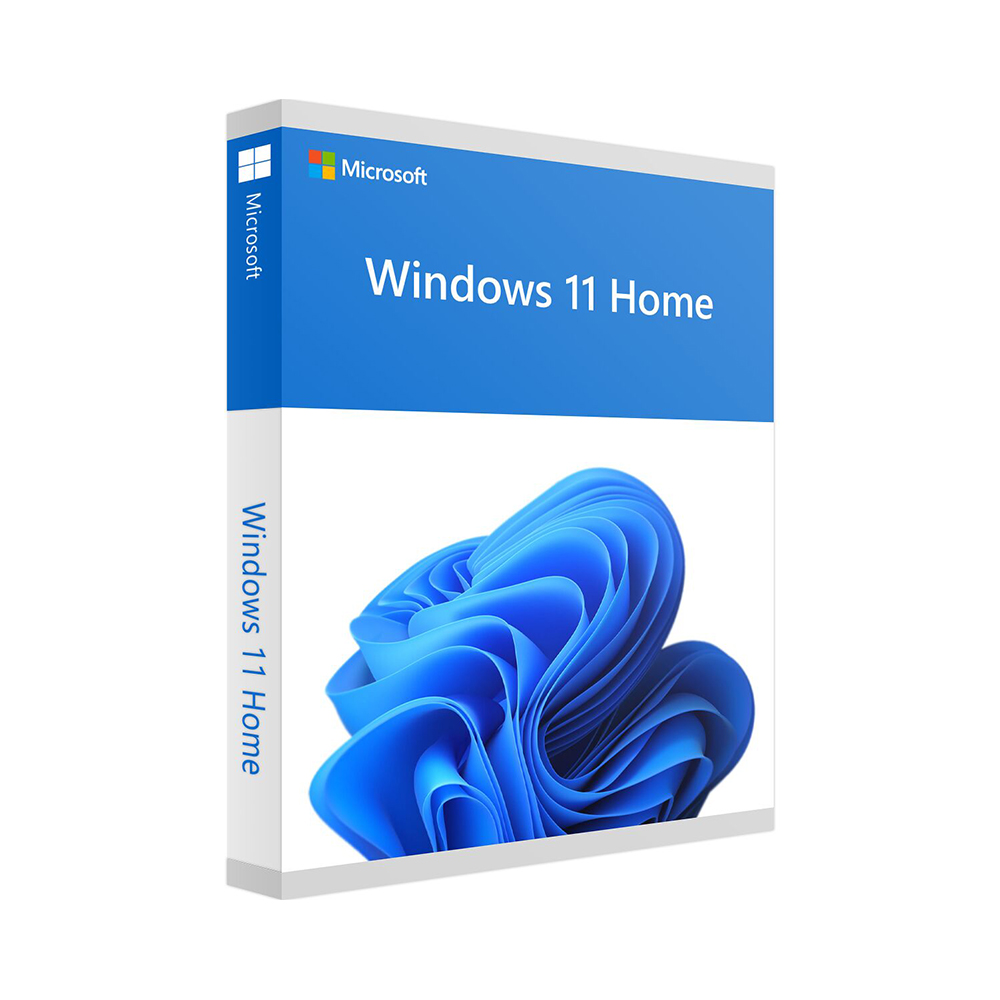
Windows 11 Home
49 €
Click to Verify our Partnership
Platform: Windows
Language: Multilanguage
Key: Lifetime
Devices: 1
Version: Home
The delivery of the product take places on the same day!
Work, connect, and manage everyday digital tasks with less friction. Windows 11 Home provides the familiar Windows environment in a redesigned interface that helps keep applications, files, and daily tools accessible. Developed by Microsoft, it gives home PC users a current operating system for browsing, creating documents, streaming media, managing photos, communicating online, and running compatible desktop software.
The redesigned Start menu places pinned applications, recent files, and recommended content in one central location. This reduces the time spent searching through menus when opening frequently used tools. A centred taskbar creates a more consistent workspace across supported screens, while familiar Windows navigation keeps the transition straightforward for users upgrading from earlier Microsoft operating systems.
Organise multiple tasks without losing focus. Snap Layouts lets you arrange compatible application windows into structured on-screen layouts. Place a browser beside a document, keep a video call visible while reviewing notes, or compare files without repeatedly resizing windows by hand. Snap Groups helps preserve those layouts, making it easier to return to a set of related applications after switching tasks.
- Microsoft Edge integration: Access a modern browser for web research, online services, streaming, and cloud-based work from a Windows-optimised environment.
- Microsoft Store access: Find compatible apps, entertainment, and selected games through a central software marketplace rather than relying on scattered download sources.
- Virtual desktops: Create separate desktop spaces for personal tasks, study, family use, or focused projects, keeping open windows from becoming one long taskbar.
- Widgets: View personalised information such as news, weather, calendar items, and other supported content without opening several separate applications.
Windows 11 Home is designed for personal and household computing. It supports the daily essentials: web access, email, video calls, documents, photos, music, streaming, and compatible PC games. Built-in Microsoft account integration can connect supported settings and services across devices, while cloud-based file access through compatible Microsoft services helps keep important documents available beyond a single local machine.
Security is built into the operating system experience. Windows 11 uses modern hardware security standards to help protect supported PCs against current threats. Features such as Windows Security, firewall protection, device encryption on supported hardware, and secure sign-in options help users maintain a more protected computing environment. Regular Microsoft updates deliver security fixes, reliability improvements, and operating system enhancements, reducing the burden of manual maintenance.
For compatibility, Windows 11 Home requires a supported 64-bit processor or system-on-chip, at least 4 GB of RAM, 64 GB of storage, UEFI firmware with Secure Boot capability, TPM version 2.0, and a DirectX 12-compatible graphics processor with a WDDM 2.0 driver. A high-definition display of at least 720p and an internet connection are also required for setup and updates. Confirm that your PC meets Microsoft Windows 11 requirements before installation to ensure the operating system can run correctly.
This Microsoft Windows 11 Home edition gives a personal PC a modern foundation for everyday digital life. Its clearer interface, practical window management, integrated app access, and current security architecture make it a focused choice for supported home computers. Install an operating system designed to keep essential tasks organised, accessible, and ready for the way people use PCs today.
| Brand |
Microsoft |
|---|
Only logged in customers who have purchased this product may leave a review.
Συχνές Ερωτήσεις
What is Windows 11 Home designed for?
Windows 11 Home is designed for everyday home PC use, including browsing, creating documents, streaming media, managing photos, communicating online, and running compatible desktop software. It provides a redesigned Windows experience while keeping familiar navigation for existing Windows users.
Is Windows 11 Home suitable for multitasking?
Yes, Windows 11 Home includes Snap Layouts to help arrange compatible application windows into structured layouts. Snap Groups can also help you return to related apps after switching tasks.
How does the Start menu in Windows 11 Home help with daily use?
The redesigned Start menu places pinned apps, recent files, and recommended content in a central location. This can reduce the time spent searching through menus when opening frequently used tools.
Does Windows 11 Home include a web browser?
Yes, Windows 11 Home includes Microsoft Edge integration. It provides access to a modern browser for web research, online services, streaming, and cloud-based work.
Can I download apps through Windows 11 Home?
Yes, Windows 11 Home provides access to the Microsoft Store. You can use it to find compatible apps, entertainment, and selected games.
Is Windows 11 Home easy to use if I have used Windows before?
Windows 11 Home keeps familiar Windows navigation while introducing a redesigned interface. This helps make the transition straightforward for users upgrading from earlier Microsoft operating systems.
What productivity features does Windows 11 Home offer?
Windows 11 Home helps keep applications, files, and daily tools accessible through its redesigned interface. Features like the centred taskbar, Start menu, Snap Layouts, and Snap Groups support a more organised everyday workspace.

Reviews
There are no reviews yet.