
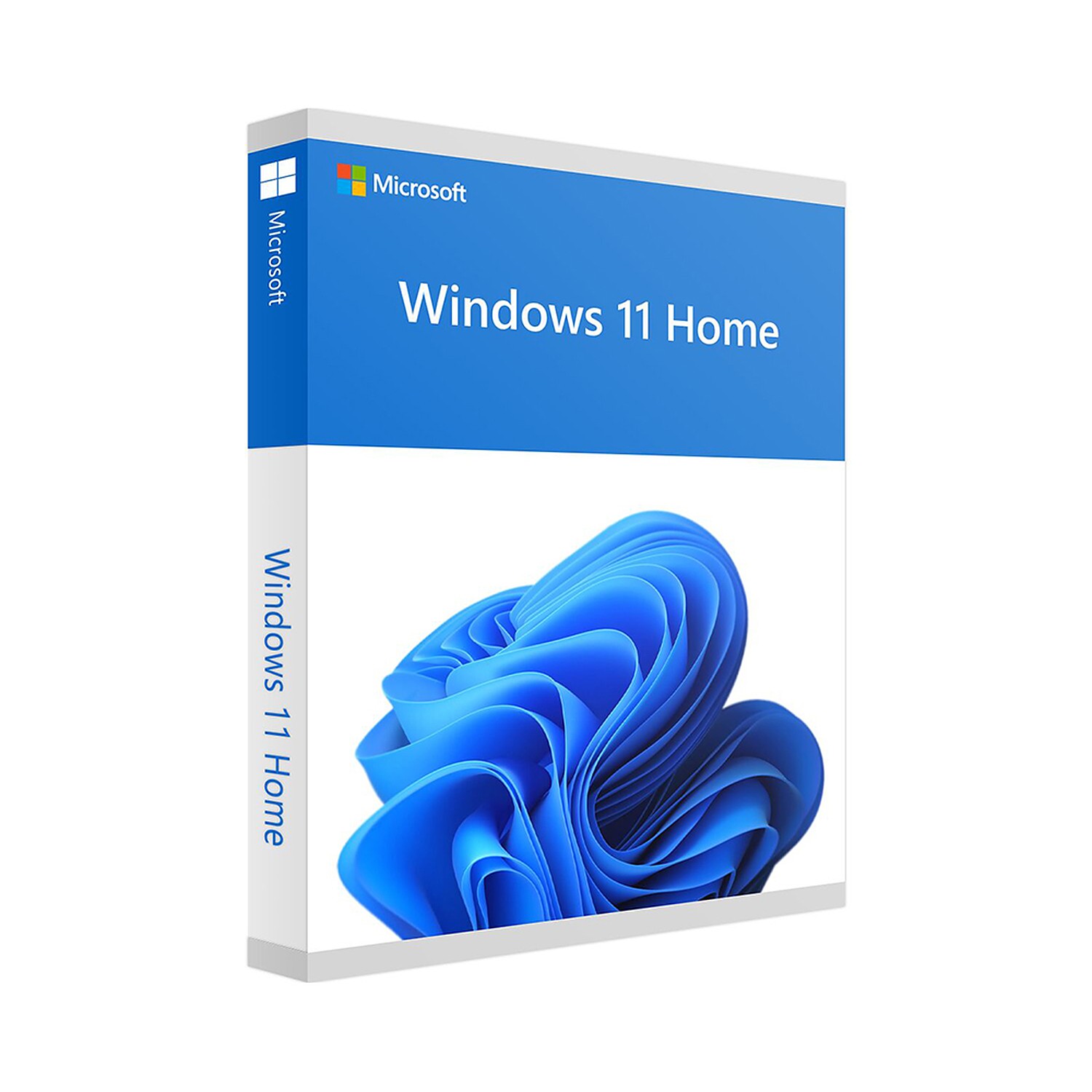
Windows 11 Home
59,00 €

Click to Verify our Partnership
Platform: Windows
Language: Multilanguage
Key: Lifetime
Devices: 1
Version: Home
The delivery of the product take places on the same day!
Work, connect, and manage everyday digital tasks with less friction. Windows 11 Home provides the familiar Windows environment in a redesigned interface that helps keep applications, files, and daily tools accessible. Developed by Microsoft, it gives home PC users a current operating system for browsing, creating documents, streaming media, managing photos, communicating online, and running compatible desktop software.
The redesigned Start menu places pinned applications, recent files, and recommended content in one central location. This reduces the time spent searching through menus when opening frequently used tools. A centred taskbar creates a more consistent workspace across supported screens, while familiar Windows navigation keeps the transition straightforward for users upgrading from earlier Microsoft operating systems.
Organise multiple tasks without losing focus. Snap Layouts lets you arrange compatible application windows into structured on-screen layouts. Place a browser beside a document, keep a video call visible while reviewing notes, or compare files without repeatedly resizing windows by hand. Snap Groups helps preserve those layouts, making it easier to return to a set of related applications after switching tasks.
- Microsoft Edge integration: Access a modern browser for web research, online services, streaming, and cloud-based work from a Windows-optimised environment.
- Microsoft Store access: Find compatible apps, entertainment, and selected games through a central software marketplace rather than relying on scattered download sources.
- Virtual desktops: Create separate desktop spaces for personal tasks, study, family use, or focused projects, keeping open windows from becoming one long taskbar.
- Widgets: View personalised information such as news, weather, calendar items, and other supported content without opening several separate applications.
Windows 11 Home is designed for personal and household computing. It supports the daily essentials: web access, email, video calls, documents, photos, music, streaming, and compatible PC games. Built-in Microsoft account integration can connect supported settings and services across devices, while cloud-based file access through compatible Microsoft services helps keep important documents available beyond a single local machine.
Security is built into the operating system experience. Windows 11 uses modern hardware security standards to help protect supported PCs against current threats. Features such as Windows Security, firewall protection, device encryption on supported hardware, and secure sign-in options help users maintain a more protected computing environment. Regular Microsoft updates deliver security fixes, reliability improvements, and operating system enhancements, reducing the burden of manual maintenance.
For compatibility, Windows 11 Home requires a supported 64-bit processor or system-on-chip, at least 4 GB of RAM, 64 GB of storage, UEFI firmware with Secure Boot capability, TPM version 2.0, and a DirectX 12-compatible graphics processor with a WDDM 2.0 driver. A high-definition display of at least 720p and an internet connection are also required for setup and updates. Confirm that your PC meets Microsoft Windows 11 requirements before installation to ensure the operating system can run correctly.
This Microsoft Windows 11 Home edition gives a personal PC a modern foundation for everyday digital life. Its clearer interface, practical window management, integrated app access, and current security architecture make it a focused choice for supported home computers. Install an operating system designed to keep essential tasks organised, accessible, and ready for the way people use PCs today.
| Brand |
Microsoft |
|---|
13 reviews for Windows 11 Home
Only logged in customers who have purchased this product may leave a review.
Συχνές Ερωτήσεις
What is Windows 11 Home designed for?
Windows 11 Home is designed for everyday home PC use, including browsing, creating documents, streaming media, managing photos, communicating online, and running compatible desktop software. It provides a redesigned Windows experience while keeping familiar navigation for existing Windows users.
Is Windows 11 Home suitable for multitasking?
Yes, Windows 11 Home includes Snap Layouts to help arrange compatible application windows into structured layouts. Snap Groups can also help you return to related apps after switching tasks.
How does the Start menu in Windows 11 Home help with daily use?
The redesigned Start menu places pinned apps, recent files, and recommended content in a central location. This can reduce the time spent searching through menus when opening frequently used tools.
Does Windows 11 Home include a web browser?
Yes, Windows 11 Home includes Microsoft Edge integration. It provides access to a modern browser for web research, online services, streaming, and cloud-based work.
Can I download apps through Windows 11 Home?
Yes, Windows 11 Home provides access to the Microsoft Store. You can use it to find compatible apps, entertainment, and selected games.
Is Windows 11 Home easy to use if I have used Windows before?
Windows 11 Home keeps familiar Windows navigation while introducing a redesigned interface. This helps make the transition straightforward for users upgrading from earlier Microsoft operating systems.
What productivity features does Windows 11 Home offer?
Windows 11 Home helps keep applications, files, and daily tools accessible through its redesigned interface. Features like the centred taskbar, Start menu, Snap Layouts, and Snap Groups support a more organised everyday workspace.
Sofie V. (verified owner) –
J’ai acheté Windows 11 Home pour remettre à niveau un PC familial compatible. La clé de licence a été envoyée rapidement après le paiement et l’activation s’est faite sans difficulté dans les paramètres Windows. L’installation a pris un peu de temps, surtout pour les mises à jour initiales, mais je n’ai pas rencontré d’erreur et les pilotes principaux ont été reconnus automatiquement. La procédure de vérification de compatibilité avec le processeur, le TPM et le démarrage sécurisé est utile avant de commencer, car tous les anciens ordinateurs ne peuvent pas être mis à niveau.
Depuis l’installation, j’utilise surtout les bureaux virtuels et les dispositions Snap pour travailler avec le navigateur et les documents côte à côte. Le menu Démarrer et la barre des tâches centrée demandent quelques jours d’adaptation, mais l’ensemble reste assez simple pour quelqu’un qui vient de Windows 10. Le système convient bien à l’usage quotidien : navigation, visioconférences, photos et logiciels bureautiques. Pour le prix, la livraison numérique rapide et l’activation correcte, je suis satisfait de cet achat.
carl (verified owner) –
Lisensen kom på e-post kort tid etter bestilling, og aktiveringen gikk uten problemer via Innstillinger > System > Aktivering. Jeg installerte Windows 11 Home fra en USB-minnepinne, og både Secure Boot-sjekken og oppdateringene fungerte som forventet. Snap Layouts og virtuelle skrivebord er spesielt nyttige når jeg jobber med nettleser, dokumenter og videomøter samtidig.
Gerrit van Dijk (verified owner) –
Windows 11 Home was snel geïnstalleerd en de activatie verliep zonder problemen. Vooral Snap Layouts en de virtuele bureaubladen zijn handig om werk en privé gescheiden te houden. Ik moest wel even wennen aan het nieuwe Startmenu en de hardware-eisen zijn wat streng, maar voor dagelijks gebruik ben ik erg tevreden.
Tobias (verified owner) –
Rask levering og Windows 11 ble aktivert uten problemer.
Petra Lindholm (verified owner) –
Installationen av Windows 11 Home gick smidigt på min nya dator och aktiveringen var klar på några minuter, dessutom känns Snap Layouts väldigt praktiskt när jag jobbar med dokument och har webbläsaren bredvid, medan det uppdaterade Start-menyn tog lite tid att vänja sig vid men fungerar bra nu.
Nihat (verified owner) –
Kurulum USB belleği üzerinden sorunsuz tamamlandı; ürün anahtarını girdikten sonra etkinleştirme birkaç dakika içinde otomatik olarak gerçekleşti. TPM 2.0 ve Güvenli Önyükleme kontrolünü BIOS’tan açınca Windows 11 Home bilgisayarı doğru şekilde tanıdı ve güncellemeleri kendisi yükledi. Snap Layouts ve sanal masaüstleri özellikle tarayıcı, belge ve görüntülü görüşmeleri aynı anda kullanırken oldukça pratik, lisans da bu kullanım için yeterli oldu.
Andrew Collins (verified owner) –
Activation was straightforward and Windows 11 runs smoothly on my home PC.
pablo (verified owner) –
La instalación de Windows 11 Home fue bastante sencilla y la licencia se activó sin problemas. Me gusta especialmente poder organizar las ventanas con Snap Layouts.
Елена П. (verified owner) –
Активира се без проблем и инсталацията мина доста бързо. Харесва ми, че Snap Layouts подрежда удобно браузъра и документите на един екран.
willy (verified owner) –
Acquisto semplice e codice di attivazione arrivato quasi subito, installazione di Windows 11 Home senza grossi problemi. Mi piacciono molto gli Snap Layouts e il nuovo menu Start, tutto è piu ordinato e pratico. Peccato per qualche aggiornamento un pò lungo e i widget che non uso, ma nel complesso sono sodisfatto.
Anke (verified owner) –
Windows 11 Home was snel geleverd en de activatie verliep zonder problemen. De nieuwe indeling is even wennen, maar met Snap Layouts kan ik mijn browser en documenten veel handiger naast elkaar gebruiken. Heel tevreden met mijn aankoop.
François Weber (verified owner) –
Die Installation von Windows 11 Home auf meinem neuen PC verlief problemlos, nachdem ich im UEFI Secure Boot aktiviert und die Systemanforderungen geprüft hatte. Die Aktivierung mit dem Produktschlüssel war schnell erledigt, und besonders die Snap-Layouts sowie die virtuellen Desktops erleichtern mir das Arbeiten mit mehreren Programmen. Auch Startmenü und Taskleiste sind übersichtlich, daher bin ich mit dem Kauf sehr zufrieden.
Hugo (verified owner) –
La licencia de Windows 11 Home llegó rapido y la activación fue sencilla siguiendo las instrucciones. Se instaló sin problemas en mi PC y ahora funcionan bien el menú Inicio, los escritorios virtuales y los diseños de ventanas. Todo correcto, aunque tuve que reiniciar un par de veces.