
Blog
Advance Steel or AutoCAD for Steel Shop Drawings?
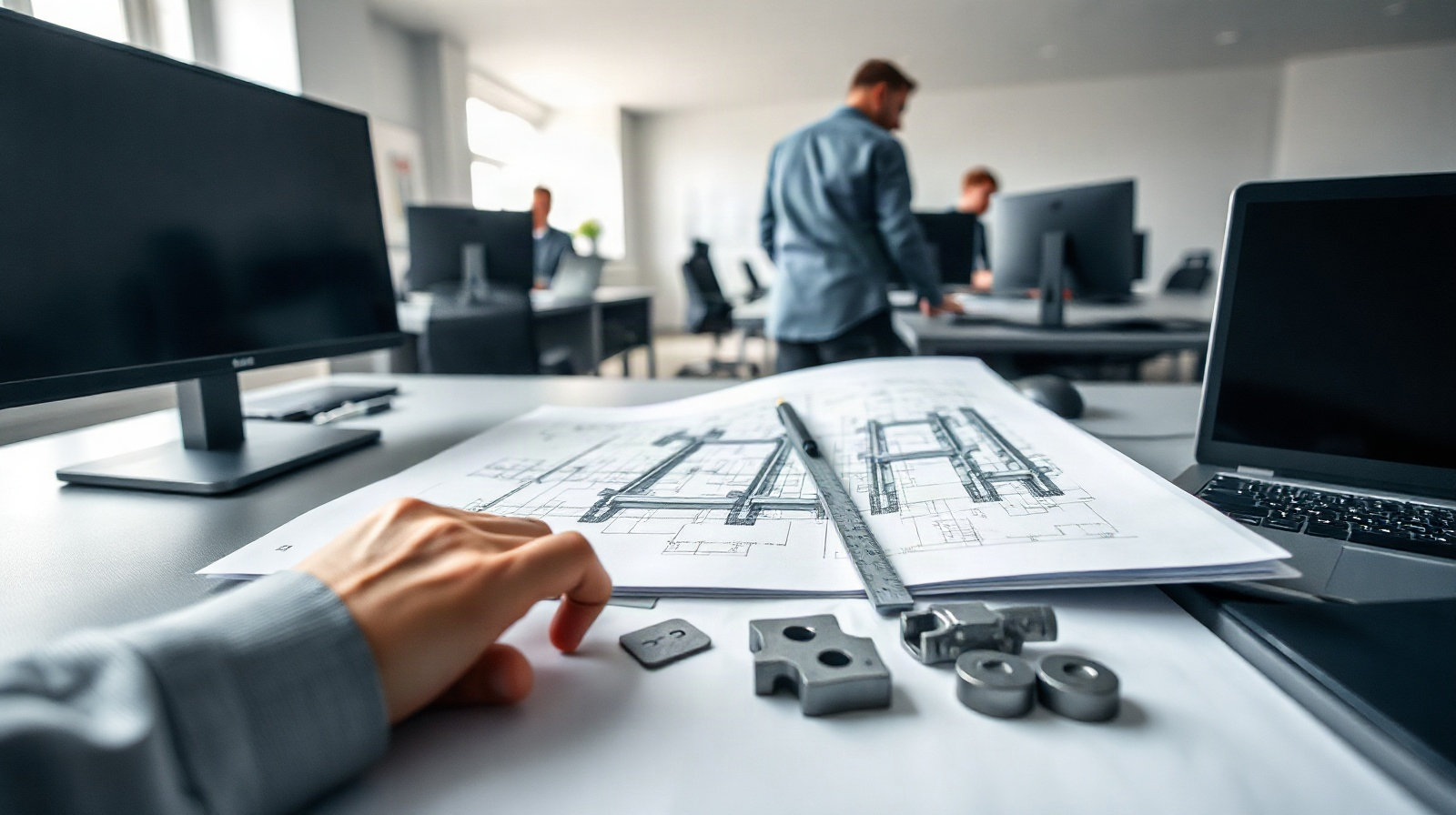
Choosing between Advance Steel or AutoCAD for steel shop drawings is not simply a question of 2D versus 3D. The more important question is how your team creates, checks, revises and issues fabrication information. A small workshop producing straightforward details may work efficiently in AutoCAD. A structural steel fabricator handling many connections, assemblies, revisions and production outputs will usually benefit from a model-based Advance Steel workflow.
Both products are Autodesk applications for Windows, and both can form part of a professional drawing process. AutoCAD is also available for Mac, while Advance Steel is designed for Windows. The decision should be based on the information that must stay coordinated from the engineer’s design through detailing, approval and fabrication.
What steel shop drawings must communicate
A shop drawing is more than a visual representation of a beam or plate. It must give the workshop enough reliable information to manufacture, assemble and inspect the work. Depending on the project, this can include:
- Member sizes, lengths, orientations and reference marks.
- Plate shapes, thicknesses, holes, cuts, bends and edge conditions.
- Bolts, welds, stiffeners, end plates, cleats and other connection components.
- Assembly drawings, single-part drawings, material lists and general arrangement views.
- Dimensions, levels, grids, section marks, notes and revision information.
- Information needed by CNC or other downstream fabrication processes.
- A clear relationship with the structural engineer’s design and the latest approved revision.
The risk is not limited to a drafting error. If a connection is changed in one drawing but not another, a material list is out of date, or a hole pattern is manually copied incorrectly, the result can be rework in the workshop, delayed approval or an assembly that does not fit on site.
That is why the best software for steel shop drawings depends on the complexity of the information and the number of times it must be reused. AutoCAD can produce precise documentation, but much of the intelligence and checking remains in the user’s standards, blocks, templates and review process. Advance Steel is designed to keep steel objects, connections, drawings and production information related to one model.
What AutoCAD can handle
AutoCAD is a general-purpose CAD environment for precise technical documentation. It is a practical choice when your work is primarily drawing-based and your team already has strong CAD standards. Detailers can create plans, elevations, sections, connection details and fabrication drawings with controlled geometry, layers, dimensions, blocks, templates and annotation.
AutoCAD is often suitable for:
- Simple steelwork with a limited number of members and repeated connection types.
- 2D fabrication drawings based on information supplied by an engineer or another modelling system.
- Small modification jobs, repair details and one-off workshop drawings.
- Teams that already maintain effective title blocks, layer standards, symbol libraries and checking procedures.
- Projects where the deliverable is a drawing set rather than a detailed fabrication model.
Its main strength is control over individual drawing content. A detailer can place and edit geometry directly, prepare a clear sheet and adapt the output to a client’s established format. AutoCAD also supports file-based communication with consultants, contractors and suppliers, which remains important when a project is exchanged as drawings and standard CAD files.
However, AutoCAD is not automatically a steel-detailing system simply because it can draw steel accurately. Generic lines, polylines and solids do not inherently know that they represent a connected beam, a bolt group or a fabrication assembly. Schedules, part marks, revisions and repeated views may therefore require disciplined manual procedures or additional tools. When the model changes, the detailer must carefully identify every affected view, sheet, schedule and related file.
What Advance Steel adds for fabricators
Advance Steel is built around structural steel elements rather than only generic geometry. Its model-based workflow is intended for detailers and fabricators who need to keep the 3D steel model, fabrication drawings, material data and production outputs connected.
Instead of starting every drawing as a separate collection of lines, the team can work with recognizable fabrication objects such as:
- Beams, columns and bracing members.
- Plates and other steel components.
- Stairs and railings.
- Bolts, welds and connection components.
- Assemblies and individual parts that can be documented from the model.
This object-based approach matters when the same information must appear in several places. A member may be shown in a general arrangement, an assembly drawing, a single-part drawing and a material list. A connected model gives the team a stronger basis for coordinating those outputs than manually redrawing each representation.
Advance Steel is therefore the more natural fit for structural steel detailing, especially when projects include many members, repeated connections, fabrication assemblies or frequent design changes. It is designed to reduce the need to recreate the same information across separate drawings and production documents. The exact output still depends on project setup, templates, detailing practice and the downstream systems used by the fabricator.
| Task or requirement | AutoCAD | Advance Steel | Recommendation |
|---|---|---|---|
| Precise 2D plans, sections and details | Strong general-purpose drafting environment | Can generate documentation from a steel model | AutoCAD for mainly manual 2D work; Advance Steel when views must remain connected to the model |
| Steel members and assemblies | Usually represented through user-created geometry and standards | Uses structural steel objects and model-based assemblies | Advance Steel for recurring fabrication workflows |
| Connections, bolts and welds | Can be drafted accurately, but coordination is largely manual | Designed to represent steel connections and related components in the model | Advance Steel when connection data must be reused and revised |
| Drawing production | Flexible sheet-by-sheet control | Model-based drawing production for steel deliverables | AutoCAD for bespoke drawing work; Advance Steel for repeated project outputs |
| Revision coordination | Depends heavily on file structure and checking procedures | Changes can be managed through the connected model and regenerated outputs | Advance Steel for projects with frequent coordinated changes |
| NC and production information | May require manual preparation or separate specialist workflows | Supports production outputs as part of its steel-detailing workflow | Advance Steel, subject to configuration and machine-format checks |
| Simple one-off details | Often efficient and familiar | May be more setup than the job requires | AutoCAD for limited, straightforward work |
Connections, revisions and model-based documentation
Connections are where the difference between AutoCAD steel detailing and a dedicated steel environment becomes most visible. In AutoCAD, a detailer can draw a base plate, end plate, bolt group or stiffener arrangement with high precision. The challenge is keeping the same information consistent across related views and documents. If a bolt spacing changes, someone must check the plan, elevation, section, assembly drawing, part drawing and any schedule that contains the affected information.
In Advance Steel, the connection is part of a steel model rather than only a collection of drafting entities. This makes it more suitable when the team needs to inspect the relationship between connected members, document the connection in multiple views and update related deliverables after a change. It does not remove the need for engineering review or a disciplined revision process. A model can still contain an incorrect assumption, and automatically generated drawings still need checking.
Revision control is also a process issue, not only a software feature. Before choosing either product, define how your team will:
- Identify the current engineer’s design information and approved revision.
- Record changes to members, connections, plates and details.
- Update drawing lists, part marks, material information and issue status.
- Check that drawings and fabrication outputs are based on the same project state.
- Archive superseded information so it cannot be used accidentally in the workshop.
Advance Steel can reduce repetitive coordination because drawings and data originate from the steel model. AutoCAD can work well when a smaller team has clear naming, checking and issue procedures. Neither application should be treated as a substitute for technical checking, approval and document control.
NC files and downstream fabrication needs
For many fabricators, the decision is influenced by what happens after the drawing is approved. The workshop may need information for cutting, drilling, marking, assembly or other production stages. A model-based steel workflow can help connect the documented part and assembly information with downstream production outputs.
Advance Steel is the stronger candidate when NC files or other fabrication outputs are part of the planned workflow. Before buying, confirm the exact formats and machine or software requirements used by your workshop. Output suitability can depend on the configured environment, post-processing, naming conventions and the receiving machine or production system. A generic statement that software can produce an output is not enough; test a representative project with the people who operate the equipment.
AutoCAD can remain useful alongside production software when the workshop receives drawings or needs manual details. It may be sufficient if NC data is created in another specialist system and AutoCAD is used only for the drawing package. It is less attractive when the detailer must repeatedly transfer dimensions, holes, part marks or material information from drawings into a separate fabrication workflow.
Ask these practical questions before selecting a product:
- Are parts and assemblies already managed in a fabrication or production system?
- Which file formats does the workshop actually accept?
- Who checks NC data before it reaches the machine?
- Will the engineer exchange a 3D structural model, or only 2D drawings?
- How are rejected, revised or reissued parts tracked?
Choosing software for a small or growing team
For a small team, AutoCAD can be the sensible starting point when the workload consists mainly of clear 2D drawings, minor alterations and relatively uncomplicated steelwork. Its general drafting environment may also be easier to introduce if the detailers already know AutoCAD and have established templates. Choose it when flexibility and manual drawing control matter more than a connected fabrication model.
Advance Steel is usually the better choice when the team regularly handles:
- Multiple steel frames or large assemblies.
- Complex or repeated connections.
- Frequent revisions from structural engineers or contractors.
- Assembly and single-part drawing production.
- Material data and production information that must remain coordinated.
- Exchange with structural engineers through model-based project workflows.
- NC files or other downstream fabrication outputs.
For a growing company, the cost of software should be compared with the cost of rework, manual checking and repeated data entry. A dedicated model-based workflow may require training, templates and process changes at the beginning. It can nevertheless become more valuable as project volume and connection complexity increase.
Some teams may use both applications for different tasks. Advance Steel can serve as the main steel-detailing and fabrication environment, while AutoCAD remains useful for general CAD edits, legacy drawings, consultant files or unusual details. The important point is to define which system is authoritative for each type of information and how changes move between them.
Licence questions to resolve before buying
When comparing Advance Steel vs AutoCAD, confirm the practical licence fit as well as the technical fit. Autodesk Advance Steel and Autodesk AutoCAD licences can be selected for one or three years, with one device assigned to the Autodesk account. Advance Steel is available for Windows and supports English, German, French, Italian, Spanish, Czech, Polish, Russian and Brazilian Portuguese. AutoCAD is available for Windows and Mac and supports a broader range of interface languages, including English, German, French, Italian, Spanish, Czech, Hungarian, Russian, Brazilian Portuguese, Japanese, Korean and Chinese.
Check the following before ordering:
- Which operating system is used by each detailer’s workstation.
- Whether the required interface language is available for the chosen application.
- How many detailers need their own assigned device and Autodesk account access.
- Whether the team needs one year or three years of licence coverage.
- Which application will be used as the main source for models, drawings and revisions.
- Whether your NC or production workflow has been tested with representative files.
Genuine Autodesk licences for Advance Steel and AutoCAD are available from KEYFORREST with instant electronic delivery. Review the current product page for the available licence term, platform and language details.
Frequently asked questions
Is Advance Steel better than AutoCAD for steel shop drawings?
Advance Steel is generally the better fit when drawings must come from a connected structural steel model with coordinated connections, assemblies and production information. AutoCAD can be the better choice for mainly 2D, one-off or relatively simple detailing.
Can AutoCAD create steel fabrication drawings?
Yes. AutoCAD can create accurate plans, sections, details and fabrication drawings. It does not automatically provide the steel-specific model relationships and coordinated production workflow expected from a dedicated steel-detailing application.
Does Advance Steel replace engineering checks?
No. It supports modelling and documentation, but the responsible project team must still verify design assumptions, connections, dimensions, revisions and fabrication outputs. Generated drawings require technical review before issue.
Is Advance Steel suitable for NC file workflows?
It is intended to support production outputs in a steel-detailing workflow. Confirm the exact file format, post-processing and machine requirements with your workshop before committing to a production setup.
Should a small steel fabricator start with AutoCAD or Advance Steel?
Start with AutoCAD when the work is mostly straightforward 2D drafting and the team already has reliable manual procedures. Choose Advance Steel when connection complexity, revisions, assemblies or fabrication data are creating repeated coordination work.

About Marios Chaidousis
Related Posts
How to Create NC Files in Autodesk Advance Steel
-
Posted by
Marios Chaidousis
A reliable NC export starts with a coordinated steel model, not with the export command. This quality-control workflow shows how to prepare Advance Steel data, create fabrication files and compare them with shop drawings before production.
Advance Steel vs Revit for Steel Detailing
-
Posted by
Marios Chaidousis
Advance Steel and Revit can both represent structural steel, but they support different stages of a project. This comparison explains where each tool fits and when a combined workflow is the better choice.

Autodesk Advance Steel for Steel Fabricators
-
Posted by
Marios Chaidousis
Autodesk Advance Steel connects structural steel modeling, connection design, shop drawings, material data and production outputs in one workflow. This guide explains how fabrication and detailing teams can use it from engineer coordination to workshop preparation.

Steel Detailing Workflow: Model to NC File
-
Posted by
Marios Chaidousis
A reliable steel detailing workflow connects engineering information to fabrication documents and machine-ready output. This guide follows the handoff from analysis and BIM coordination through connections, shop drawings and NC files.