
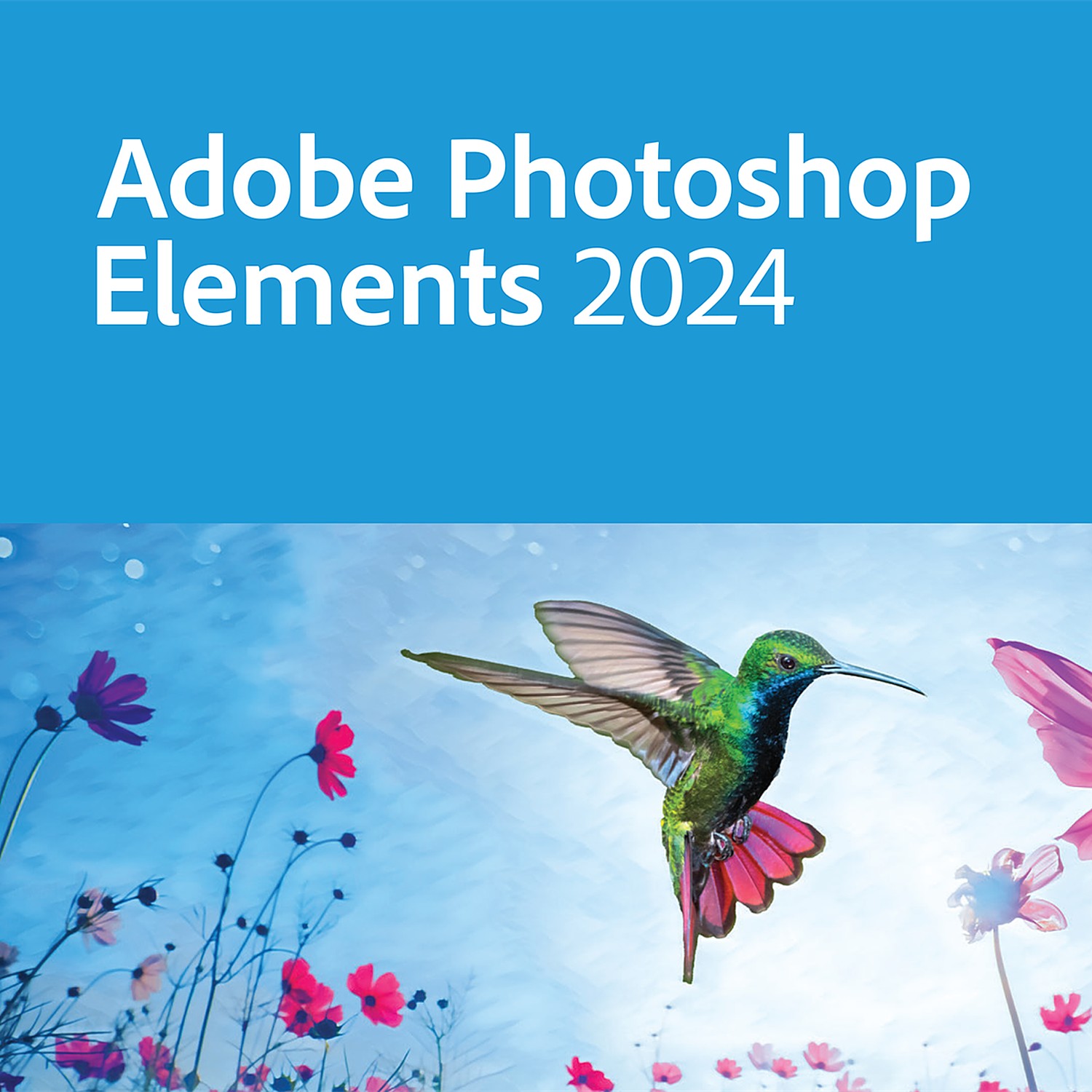


Adobe Photoshop Elements 2026
199,00 €
Turn everyday photos into polished images without facing a professional-grade learning curve. Adobe Photoshop Elements 2026 brings Adobe photo-editing tools into a focused consumer editing application, helping you enhance colour, remove distractions, and create share-ready designs with guided workflows. Read on to see how its 2026 toolset supports faster, more confident editing.
Turn everyday images into polished visual content without adding a physical product to your workspace. Adobe Photoshop Elements 2026 is a digital Adobe Suite title built for photo-focused editing workflows. It gives customers a clearly identified software option for organising, enhancing and preparing image assets for personal projects, content libraries and day-to-day creative work. The 2026 edition label helps purchasers select the intended release when managing software requirements across an Adobe-based environment.
Photo files often need more than a quick adjustment. Images may require cleanup, cropping, colour refinement or preparation for a specific output. A dedicated photo-editing application creates a more controlled process than relying on basic viewer tools. Adobe Photoshop Elements 2026 places that process within the Adobe product family, helping customers standardise their creative software selection around a recognised specialist brand rather than an unverified alternative.
The product identity is precise. It is listed as Adobe Photoshop Elements 2026, in the Adobe Suite category, with SKU ADBE-PHOTOSHOP-ELEMENTS. This detail matters for procurement, licence tracking and internal software records. Teams and individual buyers can use the exact product name and SKU to reduce ambiguity when comparing listings, documenting purchases or confirming that the selected product is Photoshop Elements rather than another Adobe creative application.
- Adobe brand: The product is identified as an Adobe title, supporting buyers who need to source creative software from a recognised industry software publisher.
- Photoshop Elements product designation: The name specifically identifies an Elements edition of Photoshop, helping customers target a photo-editing-oriented Adobe product instead of selecting a broader creative application without checking suitability.
- 2026 release designation: The stated release year provides a clear reference point for asset records, renewal planning and version-specific purchasing decisions.
- Adobe Suite category: Category placement makes the product easier to locate alongside related Adobe software during purchasing and catalogue management.
- SKU ADBE-PHOTOSHOP-ELEMENTS: The unique seller reference supports accurate ordering and reduces the risk of matching the listing to the wrong software title.
This is software, not a physical accessory. No material composition, product weight or physical dimensions apply. That removes storage, shipping-space and hardware-installation considerations associated with physical creative tools. The deliverable format, licence type, activation method, number of permitted users and included services are not specified in the supplied product data. Buyers should confirm these commercial details before purchase when they affect deployment, compliance or access requirements.
Compatibility information is also not provided in the product specification. Operating-system support, device requirements, processor requirements, available storage, memory requirements, display requirements and internet-access needs should be verified against Adobe’s current published system requirements for Photoshop Elements 2026 before installation. This is essential for avoiding deployment delays and for confirming that the intended computer environment can support the selected release. Confirm compatibility before assigning the software to a workstation or purchasing for a managed device fleet.
Adobe Photoshop Elements 2026 suits customers building a defined photo-editing software stack, maintaining an Adobe-focused application catalogue or replacing an older image-workflow tool with a specifically identified current-release listing. It can also support purchasing teams that require reliable catalogue data for approvals and inventory records. The named product, Adobe category and dedicated SKU provide a traceable basis for that decision.
Choose the correct Adobe photo-editing title with confidence. Adobe Photoshop Elements 2026 delivers a clearly designated Adobe Suite software option, a current 2026 product reference and the SKU needed for accurate ordering. Verify the required licence and system details, then deploy the version that aligns with your creative workflow and device environment.
| Brand |
Adobe |
|---|
41 reviews for Adobe Photoshop Elements 2026
Only logged in customers who have purchased this product may leave a review.
Συχνές Ερωτήσεις
Is Adobe Photoshop Elements 2026 a physical product or a digital software title?
Adobe Photoshop Elements 2026 is described as a digital Adobe Suite title, so it does not add a physical product to your workspace. It is intended for customers looking for a software option for photo-focused editing workflows.
What is Adobe Photoshop Elements 2026 used for?
Adobe Photoshop Elements 2026 is designed for organising, enhancing and preparing image assets. It can support everyday creative tasks such as image cleanup, cropping, colour refinement and preparing photos for specific outputs.
Is this the 2026 edition of Photoshop Elements?
Yes, the product is clearly identified as Adobe Photoshop Elements 2026. The 2026 edition label helps purchasers select the intended release when managing software requirements.
What is the SKU for Adobe Photoshop Elements 2026?
The listed SKU is ADBE-PHOTOSHOP-ELEMENTS. This can help with procurement, licence tracking and internal software records.
Is Adobe Photoshop Elements 2026 suitable for everyday photo editing needs?
Yes, it is positioned for day-to-day creative work involving photo-focused editing. It provides a dedicated software option for users who need more control than basic image viewing tools.
Can Adobe Photoshop Elements 2026 help with organising image assets?
Yes, the description identifies organising image assets as one of its intended workflow uses. This can be useful for personal projects, content libraries and general creative work.
How can I confirm I am selecting the correct Adobe product?
Check that the product name is Adobe Photoshop Elements 2026 and that the SKU is ADBE-PHOTOSHOP-ELEMENTS. These details help reduce ambiguity when comparing listings or documenting a purchase.

RuutuRiku (verified owner) –
Latauslinkki tuli nopeasti ja Photoshop Elements 2026 asentui ilman säätöä. Kuvien rajaus ja värien korjaus sujuvat nyt paljon näppärämmin.
Vincent De Smet (verified owner) –
Téléchargement reçu rapidement et installation sans difficulté sur mon PC ; j’ai simplement suivi l’assistant puis saisi la licence. Les outils de recadrage, de correction des couleurs et de nettoyage m’ont permis de préparer plusieurs photos sans passer par un logiciel plus lourd. L’édition 2026 correspond bien à la référence indiquée et le prix reste correct pour cet usage.
baltas77 (verified owner) –
Licencija aktyvuota greitai, o Photoshop Elements 2026 nuotraukų tvarkymui veikia sklandžiai.
Isabelle Meier (verified owner) –
Livraison numérique rapide et logiciel agréable pour les retouches courantes, mais les informations sur l’activation et la compatibilité pourraient être plus claires.
boris (verified owner) –
Digitalna isporuka za Adobe Photoshop Elements 2026 stigla je brzo, a aktivacijski kod i upute bili su dovoljno jasni za instalaciju bez dodatne pomoći. Program sam koristio za obrezivanje fotografija, uklanjanje sitnih nepravilnosti i korekciju boja, pri čemu su alati pregledni i reagiraju bez zastoja. Zadovoljan sam kupnjom jer sam dobio točno navedenu verziju i urednu licencu.
Carlos Martín (verified owner) –
recibi la licencia de Adobe Photoshop Elements 2026 bastante rapido y la activación fue sencilla. La instalacion en Windows no dio problemas y las herramientas para corregir color y recortar fotos funcionan bien. El producto coincide con lo anunciado, aunque faltaba un poco de info sobre los requisitos.
NubePixel (verified owner) –
Entrega digital rápida y activación sencilla; Photoshop Elements funciona correctamente para editar y organizar fotos.
Kévin Hoffmann (verified owner) –
La livraison de la licence numérique a été rapide et l’installation de Photoshop Elements 2026 s’est faite sans difficulté. J’utilise surtout les outils de recadrage, de correction des couleurs et de nettoyage pour préparer mes photos, avec un résultat plus précis qu’avec un simple éditeur en ligne. Le produit correspond bien à la version indiquée et l’activation a été claire.
MaccaPixel (verified owner) –
Bought Photoshop Elements 2026 for sorting and cleaning up family photos, and it does the job nicely. The download was quick and the 2026 version was clearly shown, so there was no confusion about which edition i was getting. A few menus took a bit to find, but overall very happy with it.
VeeDownUnder (verified owner) –
The digital licence details were clear, and Photoshop Elements 2026 downloaded and activated without any trouble on my Windows PC. It has the editing tools I need for cropping, cleaning up and improving family photos without the complexity of the full Photoshop package. A straightforward purchase at a reasonable price.
Peters (verified owner) –
Die Bestellung von Adobe Photoshop Elements 2026 verlief ohne Probleme. Nach dem Zahlungseingang wurden mir die Lizenzinformationen und der Download-Link schnell per E-Mail zugestellt. Der Download ließ sich unter Windows problemlos starten, und die Installation war nach wenigen Minuten abgeschlossen. Die Aktivierung mit dem mitgelieferten Lizenzschlüssel hat ebenfalls direkt funktioniert. Besonders hilfreich finde ich, dass es sich eindeutig um die 2026-Version von Photoshop Elements handelt und die Angaben auf der Rechnung die Zuordnung erleichtern. Für meine privaten Fotos nutze ich das Programm vor allem zum Zuschneiden, Korrigieren von Farben und Entfernen kleiner störender Elemente. Die Oberfläche ist übersichtlich, und die wichtigsten Funktionen sind ohne lange Suche erreichbar. Der Preis war im Vergleich zu anderen Angeboten angemessen. Insgesamt eine schnelle digitale Lieferung und eine unkomplizierte Einrichtung.
Ορέστης Αντωνίου (verified owner) –
Η ψηφιακή παράδοση του Adobe Photoshop Elements 2026 έγινε γρήγορα και η ενεργοποίηση ήταν απλή, χωρίς προβλήματα. Το χρησιμοποιώ κυρίως για οργάνωση, περικοπή και βασικές διορθώσεις στις φωτογραφίες μου και καλύπτει πολύ καλά τις ανάγκες μου.
Niklas Lundqvist (verified owner) –
Licensinformationen levererades digitalt kort efter beställningen och produktnamnet var tydligt angivet. Photoshop Elements 2026 installerades utan problem och passar bra för att beskära, justera färger och organisera bilder. Ett smidigt köp för den som vill ha en separat fotoredigerare från Adobe.
Teixeira (verified owner) –
recebi a licença no próprio dia e a ativação do adobe photoshop elements 2026 correu sem problemas. Usei as ferramentas de corte, correção de côr e organização das fotos, tudo bastante simples de encontrar. O preço ficou justo e até agora funciona bem.
hansueli (verified owner) –
download kam sofort und die installation war unkompliziert. Zuschneiden und Farben anpassen geht viel einfacher als vorher, bin sehr zufriden.
Avery Bennett (verified owner) –
The digital delivery was quick, and Photoshop Elements 2026 activated without any trouble.
ian m (verified owner) –
The download link arrived, but the listing did not explain the activation process or whether an Adobe account was required. I could not confirm the licence terms or supported operating system before purchase, and support did not provide a clear answer, so I was unable to use the software.
Klemen (verified owner) –
Licenco za Adobe Photoshop Elements 2026 sem prejel po elektronski pošti kmalu po plačilu. Navodila za aktivacijo so bila dovolj jasna, zato sem program brez posebnih težav namestil na računalnik z operacijskim sistemom Windows. Pred nakupom sem preveril, da gre za različico Elements 2026, saj sem želel natančno določeno izdajo za urejanje fotografij in ne polne različice Photoshopa.
Program uporabljam predvsem za obrezovanje, popravljanje barv, odstranjevanje manjših nepravilnosti in pripravo fotografij za splet. Vmesnik je pregleden, osnovne funkcije pa so hitro dostopne tudi brez predhodnega poznavanja Adobejevih programov. Dobro mi je prišla tudi možnost organiziranja fotografij, ker imam slike shranjene iz več različnih naprav. Cena je bila glede na funkcije in dejstvo, da gre za digitalni izdelek, sprejemljiva. Aktivacija je uspela v prvem poskusu, zato je nakup izpolnil pričakovanja.
Neleke88 (verified owner) –
De download en activatie van Photoshop Elements 2026 gingen vlot op mijn pc. Vooral de snelle correcties en het bijsnijden gebruik ik bijna dagelijks.
Ilze Ozoliņa (verified owner) –
Licence tika saņemta ātri, un Photoshop Elements 2026 aktivizācija noritēja bez problēmām.
Brian Byrne (verified owner) –
The licence details and activation instructions were unclear, so setting up Photoshop Elements 2026 took longer than expected.
Ingo Weber (verified owner) –
Die digitale Lieferung von Adobe Photoshop Elements 2026 erfolgte schnell, und der Download ließ sich ohne Umwege starten. Nach der Installation habe ich die Lizenz mit dem bereitgestellten Code aktiviert und anschließend zunächst einige ältere JPG-Dateien organisiert, zugeschnitten und bei Farbe sowie Helligkeit angepasst. Die Oberfläche ist übersichtlich genug, um die grundlegenden Bearbeitungsschritte zügig zu erledigen, bietet aber trotzdem mehr Kontrolle als einfache Bildbetrachter oder Standard-Apps. Für meine privaten Fotoarbeiten ist die Version daher sehr passend, und auch die eindeutige Bezeichnung mit dem Ausgabejahr macht die Ablage der Lizenzunterlagen unkompliziert.
Erik van Dijk (verified owner) –
Photoshop Elements 2026 werkt verder prima, maar de activatie was niet meteen duidelik en de levering duurde wat langer.
Barbora Dvořáková (verified owner) –
Adobe Photoshop Elements 2026 dorazil jako digitální licence opravdu rychle a aktivace proběhla bez komplikací. Oceňuji hlavně přehledné prostředí a nástroje na úpravu barev, ořez i rychlé odstranění drobných nedostatků z fotek. Na domácí úpravy a třídění fotografií mi program vyhovuje skvěle.
Bjørn Hansen (verified owner) –
Installeringen av adobe photoshop elements 2026 gikk greit, og jeg fikk aktivert lisensen uten noe styr. Funksjonene for beskjæring og enkel fargejustering er akkurat det jeg trengte til familiebilder. Litt rotete med stor bokstav her og der, men alt fungerer fint og leveringen var rask.
CyberMarek (verified owner) –
Photoshop Elements 2026 dobrze sprawdza się przy porządkowaniu i poprawianiu zdjęć do prywatnych projektów. Instalacja oraz aktywacja przebiegły bez problemów, a interfejs jest na tyle przejrzysty, że podstawowe kadrowanie i korekty kolorów można wykonać szybko. Jestem zadowolony z zakupu.
Елена П. (verified owner) –
Получих лиценза почти веднага и активирането на Photoshop Elements 2026 мина без проблем. За обработка на снимки има всичко нужно и работи стабилно.
Woutje87 (verified owner) –
Blij met mijn aankoop: Photoshop Elements 2026 is overzichtelijk en ideaal om foto’s snel te verbeteren.
Иван (verified owner) –
получих кода бързо, активирането мина без проблем и photoshop elements 2026 работи добре.
analogAnders (verified owner) –
Fick licensen snabbt och Photoshop Elements 2026 installerades utan krångel. Precis lagom avancerat för att fixa och organisera mina bilder hemma.
TadasKadro (verified owner) –
Skaitmeninė licencija buvo pristatyta greitai, o aktyvavimas pagal pateiktas instrukcijas praėjo be problemų. Photoshop Elements 2026 patogiai tinka nuotraukų apkarpymui, spalvų koregavimui ir smulkių trūkumų pašalinimui. Pirkau būtent dėl 2026 versijos, todėl aiškus produkto pavadinimas ir SKU buvo naudingi registruojant licenciją.
Julien (verified owner) –
La commande numérique de Photoshop Elements 2026 s’est bien passée et l’activation a été simple. Je l’utilise surtout pour classer mes photos, corriger les couleurs et faire quelques recadrages avant impression. L’interface est claire et le produit correspond exactement à ce qui était indiqué.
Luca (verified owner) –
Consegna digitale rapida e prodotto corrispondente esattamente a Adobe Photoshop Elements 2026, come indicato anche dal codice SKU ADBE-PHOTOSHOP-ELEMENTS. L’ho installato per gestire una raccolta di foto e ho trovato pratiche le funzioni di ritaglio, correzione del colore e pulizia delle immagini. Per un utilizzo personale è una soluzione completa e il prezzo è risultato conveniente rispetto ad altri editor fotografici.
olivier (verified owner) –
Die digitale Lieferung von Adobe Photoshop Elements 2026 erfolgte kurz nach der Bestellung. Die Installation und Aktivierung verliefen problemlos, und die Werkzeuge zum Zuschneiden, Korrigieren und Organisieren von Fotos sind für meine privaten Projekte ausreichend. Die eindeutige Versionsangabe erleichtert außerdem die Zuordnung in meinen Softwareunterlagen.
Hugo D. (verified owner) –
La livraison de la licence a été rapide et j’ai reçu les informations nécessaires par e-mail le jour même. L’activation de Photoshop Elements 2026 s’est finalement bien passée, mais les instructions étaient assez succinctes et je devais vérifier moi-même la compatibilité avec mon système avant l’installation. Le logiciel correspond bien à un usage de retouche photo courant : recadrage, corrections de couleurs et petites améliorations sont accessibles sans devoir utiliser une suite professionnelle plus complète.
En revanche, certains détails importants n’étaient pas clairement indiqués dans la fiche, notamment le type exact de licence, le nombre d’appareils autorisés et les conditions d’utilisation. Le prix est correct sans être particulièrement avantageux, surtout si l’on utilise déjà un autre programme de retouche. Le support a répondu à ma question, mais avec un délai de plusieurs heures. Dans l’ensemble, le produit fonctionne et convient à des besoins personnels, mais la documentation et les informations avant l’achat pourraient être plus précises.
Vasilis K. (verified owner) –
η ενεργοποίηση του photoshop elements 2026 εγινε αμέσως, δουλευει καλα.
eli b (verified owner) –
Acquisto semplice e consegna della licenza veloce. Photoshop Elements 2026 è intuitivo e per sistemare, ritagliare e migliorare le foto fa tutto quello che mi serve.
Lynch (verified owner) –
Downloaded and activated Photoshop Elements 2026 without any hassle, works perfectly.
Willem D. (verified owner) –
Clé reçue rapidement et activation de Photoshop Elements 2026 sans souci. Les outils de retouche sont simples à prendre en main, exactement ce qu’il me fallait.
Oliver (verified owner) –
Quick digital delivery and straightforward activation; the editing tools are just right for tidying up family photos.
Victor van Dijk (verified owner) –
De downloadlink en licentiegegevens voor Adobe Photoshop Elements 2026 kwamen vrij snel binnen, waarna ik het installatieprogramma heb gedownload en de code in het activatievenster ingevoerd. De installatie liep zonder problemen en daarna kon ik meteen foto’s importeren, ordenen en bewerken; vooral uitsnijden, kleurcorrectie en het wegwerken van kleine vlekken werken prettig voor dagelijks gebruik. Ook handig dat het duidelijk om de 2026-versie gaat, want zo kon ik de aankoop netjes in mijn software-overzicht zetten met SKU ADBE-PHOTOSHOP-ELEMENTS. de interface moest ik even gewoon worden en één menu reageerde wat traag, maar voor deze prijs ben ik erg tevreden en de licentie werkt tot nu toe gewoon goed.