
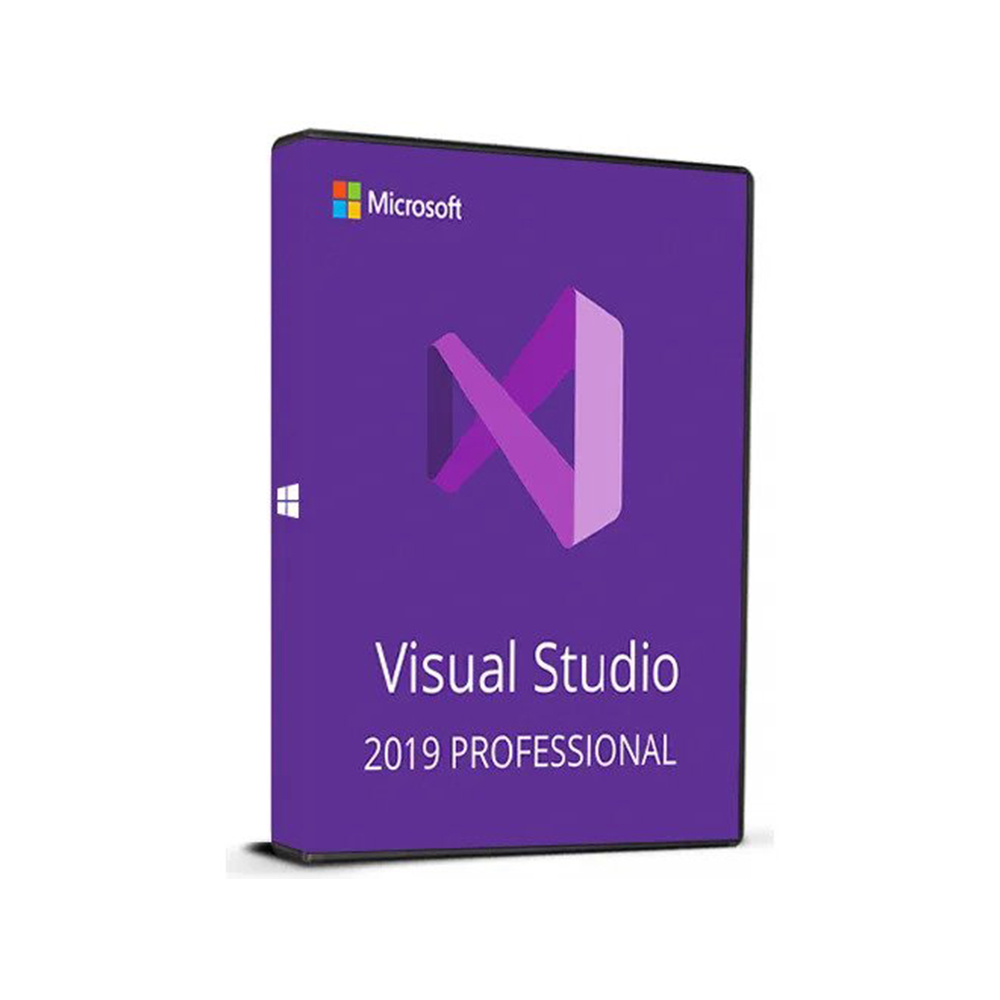

Visual Studio Professional 2019
400 €

Click to Verify our Partnership
Platform: Windows & macOS
Language: Multilanguage
Key: Lifetime
Devices: 1
Version: Pro
The delivery of the product take places on the same day!
Reduce the friction between writing code, finding defects, and preparing software for release. Visual Studio Professional 2019 provides a dedicated Microsoft development environment for Windows, giving developers a structured workspace for creating and maintaining application projects. Instead of switching between disconnected editors, command-line tools, and diagnostic utilities, teams can work from a single desktop IDE built for professional software development.
The core benefit is control over the development process. A full IDE brings code editing, project organization, build workflows, debugging, and testing-oriented tools into one interface. That consolidated approach helps developers move from an idea to a working build with less context switching. It also makes established project structures easier to review, update, and hand over across a development team.
Visual Studio Professional 2019 is specified for Windows operation. This is a practical compatibility detail for organizations that standardize developer workstations on Windows and need a desktop-based development environment aligned with that operating system. The software is not a physical product, so materials, physical dimensions, and installation footprint are not applicable. Its operational environment is Windows, which should be confirmed against the organization’s workstation and IT policy requirements before deployment.
- Professional Windows development environment: The Windows-based operation supports teams that need a consistent IDE on compatible desktop workstations, simplifying tool standardization across developers.
- Integrated project workspace: Centralized solution and project management helps keep source files, build settings, references, and development tasks organized instead of dispersed across separate tools.
- Code editing and navigation: Structured editing and code-navigation capabilities help developers locate definitions, review project logic, and work through larger codebases more efficiently.
- Debugging workflow: Integrated diagnostics help developers investigate application behavior while they work, reducing the delay between identifying an issue and tracing its source.
- Microsoft platform alignment: As a Microsoft product, Visual Studio Professional 2019 fits naturally into Windows-focused development environments and established Microsoft software workflows.
For day-to-day engineering work, the value is in repeatability. Developers can open a project, work within its defined structure, build the application, and investigate issues without rebuilding the workflow for every task. That consistency matters when maintaining business software over time. It supports cleaner onboarding for new contributors, more predictable project handling, and a clearer environment for reviewing changes before release.
Visual Studio Professional 2019 is suited to professional development activities that require a desktop IDE rather than a lightweight text editor. It is relevant for creating and maintaining Windows-oriented applications, working with established codebases, reviewing project configuration, and handling the debugging tasks that arise during active development. Its 2019 release designation is also important for organizations that require a specific Visual Studio generation for existing projects, internal processes, or toolchain continuity.
Compatibility should be treated as a deployment decision, not an afterthought. Confirm that each intended workstation runs a supported Windows environment and that the selected development stack, project dependencies, extensions, and organizational policies align with Visual Studio Professional 2019. This product data identifies Windows as the operating environment; no processor, memory, storage, display, or physical dimension specifications are provided. Validating those requirements before installation helps avoid disruption to established development workflows.
Choose Visual Studio Professional 2019 for a focused Microsoft development environment on Windows. It gives professional teams a central place to manage code, projects, builds, and diagnostics, supporting disciplined software delivery without relying on a fragmented collection of development tools.
| Operation |
Windows |
|---|---|
| Brand |
Microsoft |
Only logged in customers who have purchased this product may leave a review.
Συχνές Ερωτήσεις
Is Visual Studio Professional 2019 intended for use on Windows?
Yes. Visual Studio Professional 2019 is specified for Windows operation, making it suitable for organizations that standardize developer workstations on Windows.
What is the main benefit of using Visual Studio Professional 2019?
Its main benefit is providing a single professional IDE for writing code, organizing projects, building, debugging, and supporting testing workflows. This can reduce context switching during software development.
Can Visual Studio Professional 2019 help teams manage application projects?
Yes. It provides a structured workspace for creating, maintaining, reviewing, updating, and handing over application projects across a development team.
Does Visual Studio Professional 2019 include tools for finding defects?
Yes. The IDE includes debugging and testing-oriented tools designed to help developers identify and address defects as part of the development process.
Is Visual Studio Professional 2019 a physical product?
No. It is software, so physical materials, dimensions, and product packaging details are not applicable.
Should I check system compatibility before buying Visual Studio Professional 2019?
Yes. Because it is specified for Windows operation, you should confirm compatibility with your organization's workstations and IT policy requirements before deployment.
Who is Visual Studio Professional 2019 best suited for?
It is suited for professional developers and teams that need a dedicated Windows-based development environment for creating and maintaining software projects.






Reviews
There are no reviews yet.