
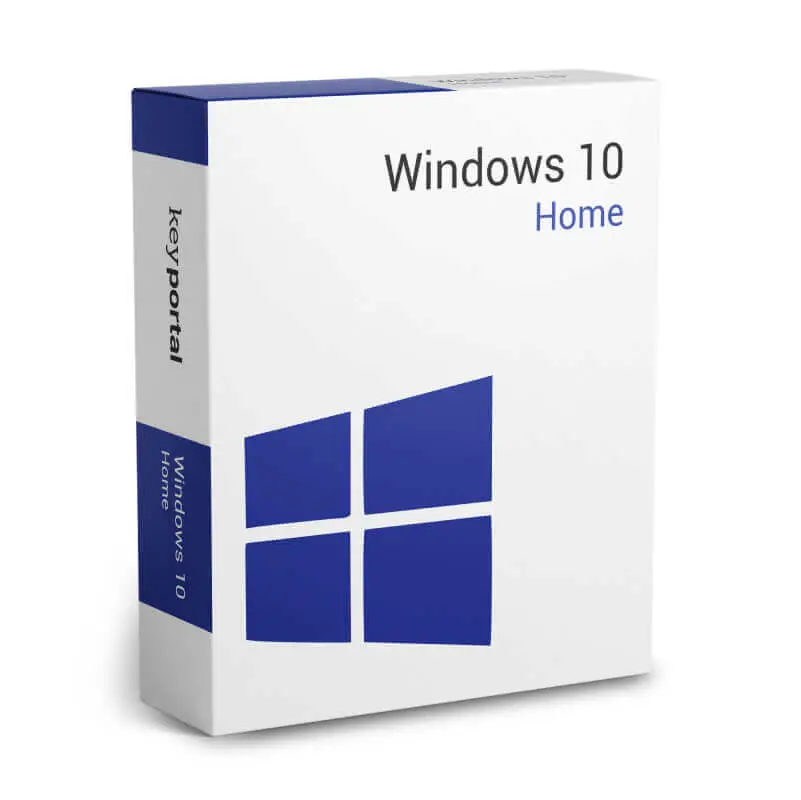
Windows 10 Home
39 €

Click to Verify our Partnership
Platform: Windows
Language: Multilanguage
Key: Lifetime
Devices: 1
Version: Home
The delivery of the product take places on the same day!
Keep a familiar, productive PC workspace. Windows 10 Home provides the established Microsoft desktop environment for compatible personal computers, helping users run Windows applications, organize local files, manage settings, and work from a recognizable Start menu. It is designed for home use, where straightforward navigation and broad software familiarity matter. This product is identified as Microsoft SKU MS-WIN10-HOME, so you can match it accurately to your operating-system requirement.
Windows 10 Home brings everyday tasks into one consistent interface. The Start menu gives quick access to installed apps, settings, power controls, and recently used content, reducing the time spent searching through folders or menus. File Explorer supports practical file management across local storage, removable drives, and connected network locations. Create folders, move documents, review downloads, and keep personal media organized from a central workspace.
The operating system includes core Microsoft productivity and browsing components that support routine computer use. Microsoft Edge provides a modern browser for websites, online accounts, web applications, and streaming services. Windows Search helps locate apps, settings, and files from the taskbar, which is useful when a PC contains extensive documents or installed software. The taskbar keeps frequently used applications visible, making it easier to switch between active tasks without interrupting your workflow.
- Windows 10 Home edition: Built for personal PCs and standard home computing requirements, with the familiar Windows desktop experience.
- Microsoft platform: Developed by Microsoft for compatibility with the Windows software ecosystem and common PC hardware peripherals.
- Start menu and taskbar: Keep applications, search, power options, and active windows accessible for faster daily navigation.
- File Explorer: Organize documents, photos, downloads, and storage devices without relying on separate file-management software.
- Microsoft Edge: Browse websites and use browser-based services from the operating system’s integrated web browser.
- Built-in security features: Windows Security tools help centralize device-security settings and protection status.
For installation planning, Windows 10 requires a compatible processor running at 1 GHz or faster, at least 1 GB of RAM for 32-bit installations or 2 GB for 64-bit installations, and 32 GB or more of storage. A graphics device compatible with DirectX 9 or later with a WDDM 1.0 driver is required. Display resolution must be at least 800 × 600. Internet access may be needed for updates, account features, and selected online services. Confirm that your PC hardware, drivers, applications, and peripherals support Windows 10 before installation.
Windows 10 Home is suited to systems that need a traditional desktop operating system for web access, document handling, personal media, home administration, and compatible Windows applications. It can be relevant for replacing an existing Windows installation on eligible hardware, maintaining access to software designed for Windows 10, or standardizing a household PC around a familiar interface. Home edition functionality is intended for personal use; organizations requiring enterprise management, advanced deployment controls, or domain-joining capabilities should assess the appropriate Windows edition for those requirements.
Important support information: Microsoft ended support for Windows 10 on October 14, 2025. The operating system continues to function, but Microsoft no longer provides regular free security updates, software updates, or technical support for Windows 10. This matters because an unsupported operating system can face increasing security and compatibility risks over time. Evaluate your security policy, application needs, and upgrade path before deploying it on an internet-connected device or handling sensitive information.
Choose Windows 10 Home when a compatible PC requires the specific Microsoft Windows 10 Home environment and its established desktop workflow. Its recognizable interface, integrated file tools, Windows application support, and clear hardware requirements make it a precise choice for appropriate legacy or compatibility-driven installations. Verify system eligibility and support implications first, then install with confidence in the exact platform your software and workflow require.
| Brand |
Microsoft |
|---|
Only logged in customers who have purchased this product may leave a review.
Συχνές Ερωτήσεις
What is Windows 10 Home designed for?
Windows 10 Home is designed for personal and home computer use. It provides a familiar Microsoft desktop environment for running Windows applications, managing files, adjusting settings, and working from the Start menu.
Is this the correct product if I need Microsoft SKU MS-WIN10-HOME?
Yes, this product is identified as Microsoft SKU MS-WIN10-HOME. You can use that SKU to match it accurately to your operating-system requirement.
Does Windows 10 Home include the familiar Start menu?
Yes, Windows 10 Home includes the familiar Start menu for quick access to installed apps, settings, power controls, and recently used content. This helps reduce time spent searching through folders or menus.
Can I manage my files with Windows 10 Home?
Yes, Windows 10 Home includes File Explorer for managing files across local storage, removable drives, and connected network locations. You can create folders, move documents, review downloads, and organize personal media.
Does Windows 10 Home include a web browser?
Yes, Windows 10 Home includes Microsoft Edge. It supports everyday browsing needs such as visiting websites, using online accounts, accessing web applications, and streaming services.
How does Windows 10 Home help me find apps, files, or settings?
Windows Search helps you locate apps, settings, and files directly from the taskbar. This is useful when your PC has many documents or installed applications.
Is Windows 10 Home suitable for everyday productivity tasks?
Yes, Windows 10 Home supports routine computer use with a consistent interface, taskbar access to frequently used apps, File Explorer, Windows Search, and Microsoft Edge. It is intended to provide straightforward navigation for home users.

Reviews
There are no reviews yet.