
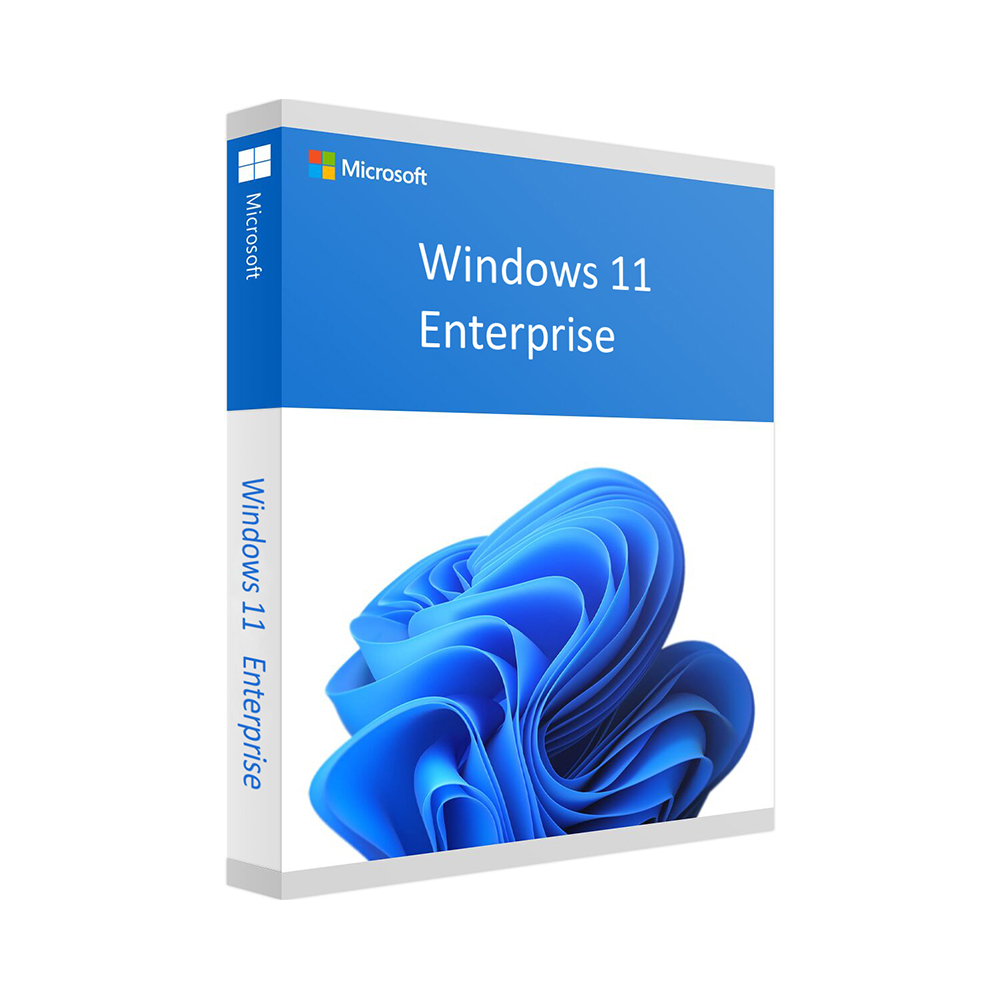
Windows 11 Enterprise
99 €
Click to Verify our Partnership
Platform: Windows
Language: Multilanguage
Key: Lifetime
Devices: 1
Version: Enterprise
The delivery of the product take places on the same day!
Reduce endpoint risk and give IT teams greater control over the Windows devices employees use every day. Windows 11 Enterprise is designed for organizations that need more than a consumer operating system. It provides the business-focused Windows foundation required to manage device standards, protect corporate resources, and maintain a consistent user experience across company PCs. This is Microsoft Windows 11 Enterprise, identified by SKU MS-WIN11-ENT.
Modern work depends on endpoints that can be governed as carefully as the data they access. Windows 11 Enterprise supports an organization-wide operating system strategy, helping IT teams apply policies, manage user access, and align devices with internal security requirements. The result is a more controlled desktop environment that reduces variation between machines and makes day-to-day support easier to standardize.
Enterprise-focused security helps protect the device layer. Windows 11 is built around modern hardware security principles, including support for TPM 2.0 and UEFI Secure Boot on compatible systems. These platform requirements help establish a trusted startup process and support stronger protection for credentials and sensitive business data. For organizations handling customer records, financial documents, intellectual property, or regulated information, securing the endpoint is a critical part of the wider security posture.
- Microsoft enterprise operating system: Windows 11 Enterprise provides a recognized platform for business-managed PCs, helping organizations maintain a consistent Windows standard across departments and locations.
- Policy-driven device administration: Centralized configuration capabilities help IT teams set rules for access, settings, and user environments, reducing manual setup work on individual devices.
- Security-ready hardware support: Compatibility with TPM 2.0 and Secure Boot requirements supports a more secure device foundation on eligible hardware.
- Structured deployment potential: An Enterprise Windows edition supports repeatable rollout processes, helping administrators prepare and configure multiple PCs more consistently than ad hoc installations.
- Business application continuity: Windows 11 provides the desktop environment organizations need to run compatible Windows applications, productivity tools, browsers, and line-of-business software.
Windows 11 Enterprise is intended for compatible 64-bit PC hardware. Devices should meet Microsoft Windows 11 system requirements, including an approved 64-bit processor, UEFI firmware with Secure Boot capability, TPM version 2.0, adequate memory, storage capacity, graphics support, and an internet connection where required for setup and servicing. Hardware eligibility, available features, activation methods, and management capabilities can vary by device configuration, Windows release, organization policy, and licensing environment. Confirm compatibility with existing PCs and business applications before deployment.
The value is operational as well as technical. A standardized Microsoft Windows environment can simplify help desk procedures, onboarding documentation, software testing, and device replacement planning. Employees work within a familiar Windows interface, while administrators have a clearer baseline from which to manage approved settings and supported applications. This is especially useful for organizations refreshing aging PCs, consolidating mixed endpoint environments, or formalizing device governance as their workforce grows.
Built for managed business computing, not casual one-off use. Windows 11 Enterprise gives organizations a Microsoft-based platform for deploying compatible PCs with stronger governance, hardware-backed security readiness, and a consistent desktop foundation. Use SKU MS-WIN11-ENT when matching this Enterprise edition to your procurement and deployment records. Review your licensing agreement, activation requirements, and hardware compatibility before installation to ensure the edition fits your organization’s Microsoft environment.
| Brand |
Microsoft |
|---|
13 reviews for Windows 11 Enterprise
Only logged in customers who have purchased this product may leave a review.
Συχνές Ερωτήσεις
What is Windows 11 Enterprise designed for?
Windows 11 Enterprise is designed for organizations that need a business-focused operating system to manage company PCs, protect corporate resources, and maintain a consistent user experience across devices.
How can Windows 11 Enterprise help reduce endpoint risk?
Windows 11 Enterprise supports enterprise security practices by helping IT teams govern devices, apply policies, and align endpoints with internal security requirements. It also supports modern hardware security principles such as TPM 2.0 and UEFI Secure Boot on compatible systems.
Is Windows 11 Enterprise suitable for managing multiple company devices?
Yes. Windows 11 Enterprise is intended to support an organization-wide operating system strategy, helping IT teams standardize device settings, manage user access, and reduce variation across company PCs.
What type of organizations should consider Windows 11 Enterprise?
Windows 11 Enterprise is a strong fit for organizations that need greater control over employee devices, stronger endpoint governance, and a consistent Windows environment for business operations.
Does Windows 11 Enterprise help protect sensitive business data?
Yes. By supporting a more secure device layer and modern hardware security features on compatible systems, Windows 11 Enterprise can help protect credentials, customer records, financial documents, intellectual property, and other sensitive business information.
What is the SKU for this Windows 11 Enterprise product?
This product is Microsoft Windows 11 Enterprise, identified by SKU MS-WIN11-ENT.
Why choose Windows 11 Enterprise instead of a consumer operating system?
Windows 11 Enterprise is built for business environments that require more control, policy management, device standardization, and endpoint security alignment than a consumer operating system typically provides.



Dmitri Kask (verified owner) –
kood saabus paari minutiga ja windows 11 Enterprise aktiveerus probleemideta. Olemasoleval Pro installil kasutades pidin ise natuke uurima, sest juhendis oli selle kohta vähe infot. Muidu töötab korralikult, aga seadistamine võiks olla selgem.
Eva K. (verified owner) –
Klíč dorazil rychle a aktivace proběhla bez problémů, jen kontrola kompatibility s TPM 2.0 zabrala trochu času.
Marc L. (verified owner) –
Installation et activation de windows 11 Enterprise sans probleme sur les PC de notre petit bureau. La gestion des stratégies et le déploiement sont vraiment plus simples, ça évite beaucoup de configuration manuelle. Livraison rapide et prix correct, tres content de l’achat.
luki_wien (verified owner) –
Die Aktivierung auf unseren Büro-PCs hat problemlos funktioniert und Windows 11 Enterprise war schnell einsatzbereit. Besonders praktisch finde ich die einheitlichen Richtlinien, weil dadurch nicht jeder Rechner anders eingestellt ist.
fabiotech84 (verified owner) –
Attivazione semplice e installazione senza problemi sui PC compatibili.
Nina Kovač (verified owner) –
Windows 11 Enterprise sem brez težav namestila in aktivirala na službenem računalniku. Zelo mi je všeč, da lahko enotno nastavim varnostne politike in da sistem podpira TPM 2.0 ter Secure Boot. Za poslovno uporabo je odličen, saj so vsi programi delovali brez zapletov.
Ruben De Smet (verified owner) –
De licentiegegevens kwamen snel binnen en de installatie op onze test-pc verliep zonder problemen: eerst heb ik gecontroleerd of TPM 2.0 en Secure Boot ingeschakeld waren, daarna heb ik Windows 11 Enterprise via de officiële installatiemedia geïnstalleerd en geactiveerd. Vooral de mogelijkheid om instellingen en beveiligingsregels centraal te beheren is nuttig, omdat we zo niet elke computer afzonderlijk hoeven te configureren. Ook de compatibiliteit met onze bestaande Windows-toepassingen was goed; na de installatie werkten onze VPN-client, Microsoft 365 en enkele interne programma’s meteen zoals verwacht. Voor onze kleine IT-omgeving geeft deze Enterprise-editie merkbaar meer controle en standaardisatie dan een gewone consumentenversie.
Iwona (verified owner) –
Klucz dotarł szybko, a aktywacja Windows 11 Enterprise przebiegła bez problemów.
Phelan (verified owner) –
The Windows 11 Enterprise licence activated without any issues on our compatible office PC. Installation was straightforward, and the policy and security features give us better control over the device than the standard edition. Delivery was also quick, so the whole process was completed with very little delay.
Niels van Dijk (verified owner) –
activering van windows 11 Enterprise ging meteen goed op onze testpc, ook TPM werd netjes herkend. Scheelt veel handwerk bij de uitrol, ben er erg tevree mee.
András Fekete (verified owner) –
A Windows 11 Enterprise aktiválása és telepítése rendben ment a kompatibilis gépeinken, és a központi házirendek beállítása is átláthatóbbá tette a felügyeletet. Különösen hasznos, hogy több számítógépen egységes környezetet tudunk kialakítani. A TPM 2.0 és a Secure Boot követelményeire viszont érdemes előre figyelni, mert régebbi gépeknél ez okozhat fennakadást.
Naessens (verified owner) –
Installatie en activatie gingen vlot, alles werkt meteen zoals het hoort.
sam (verified owner) –
Installation on our compatible PCs was straightforward, and activation completed without any issues. The Enterprise edition gives us better control over policies and device settings than the standard Windows setup, which has made managing our small office much easier. Very happy with the purchase.